 ClosersHQ
For B2B sales reps
The prospecting app for B2B sales reps
Know which account to call next.
ClosersHQ lines up your next call, sets every follow-up for you, and keeps your goals and your focus on track. Discovery calls, demos, the company and the decision maker are built in, alongside your CRM.
Works today in your phone’s browser and on a computer · iPhone and Android apps on the way
How a call goes
Step 1
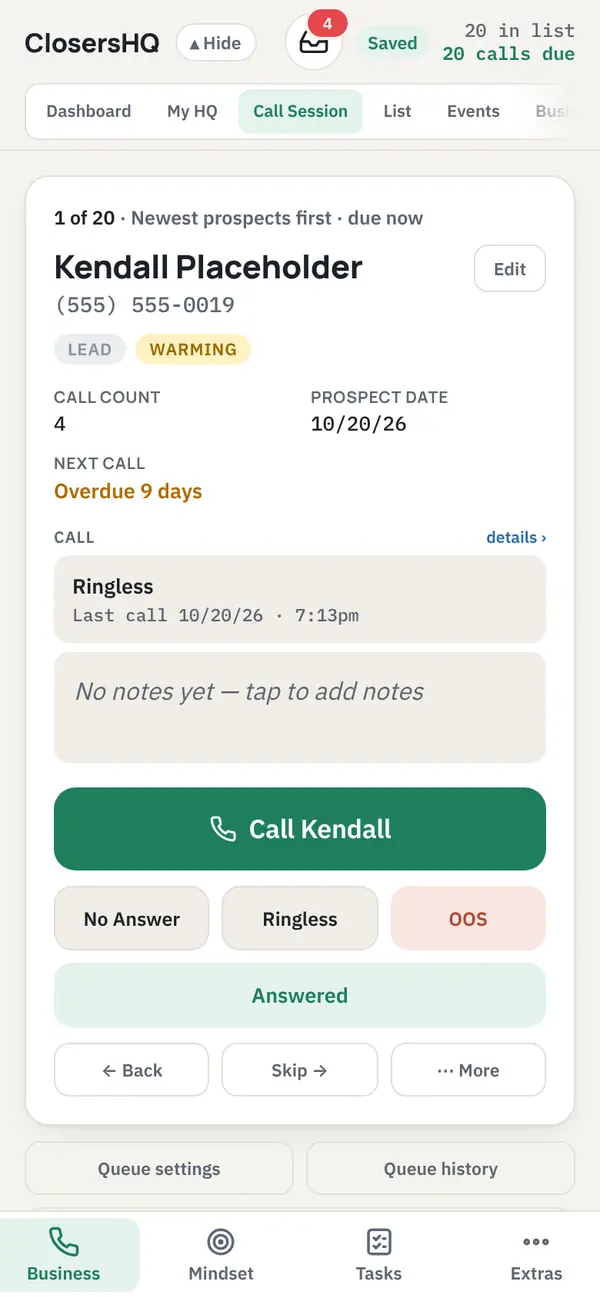
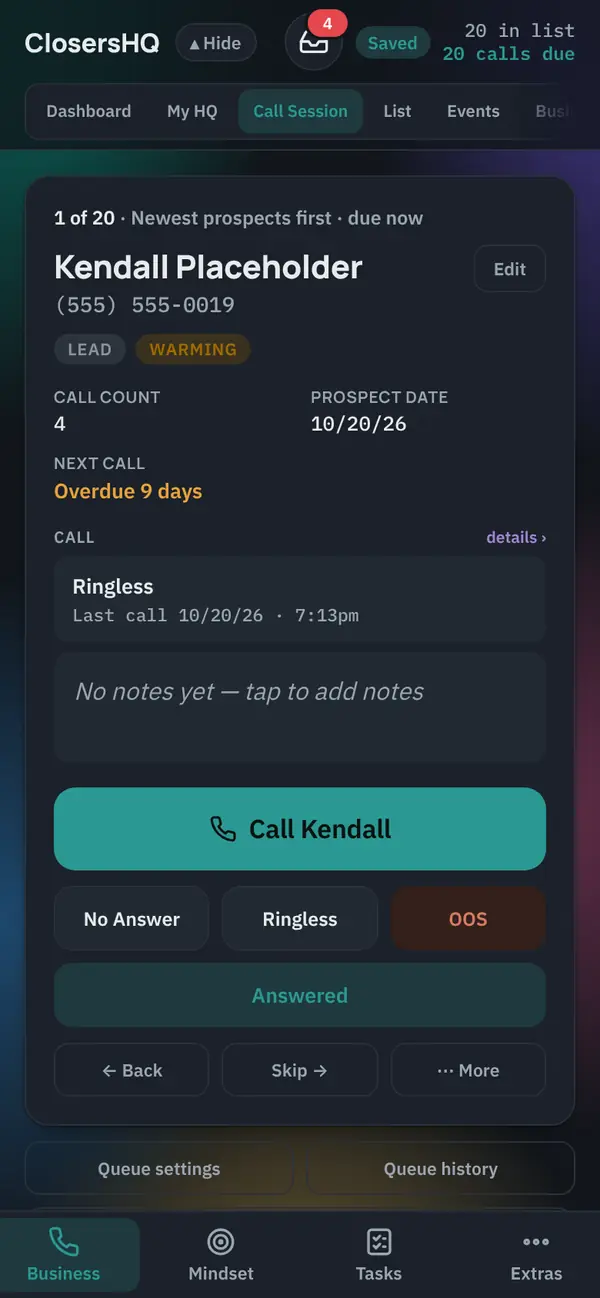
Open the app. See who’s next.
One prospect on the screen and one button: Call. No list to scan and nothing to decide.
Step 2
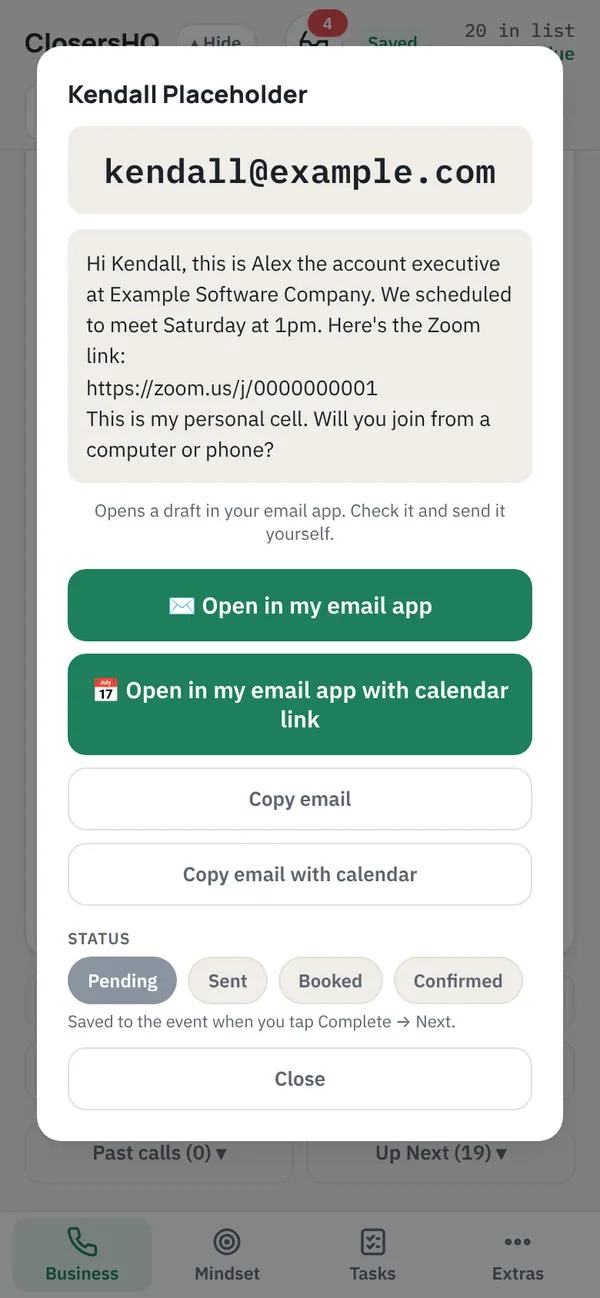
Send the invite before you hang up.
Your own words open in your own mail or Messages app, addressed and ready. You press send.
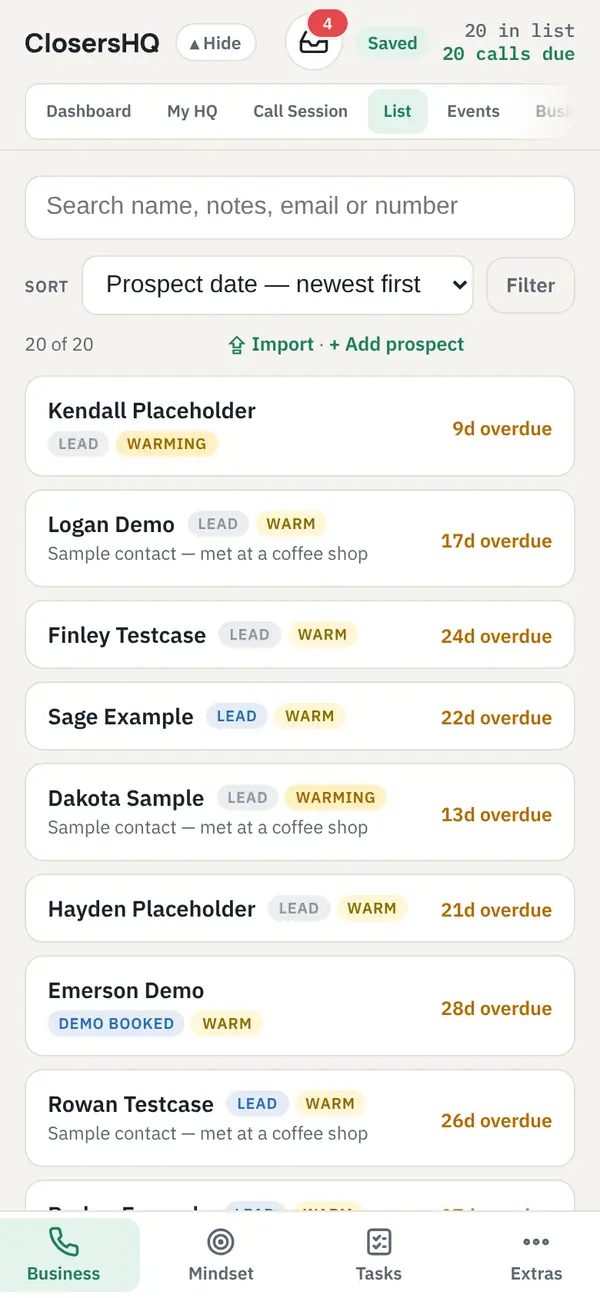
Step 3
The follow-up sets itself.
Tap what happened. The next call date is set and the accounts that are due rise to the top.
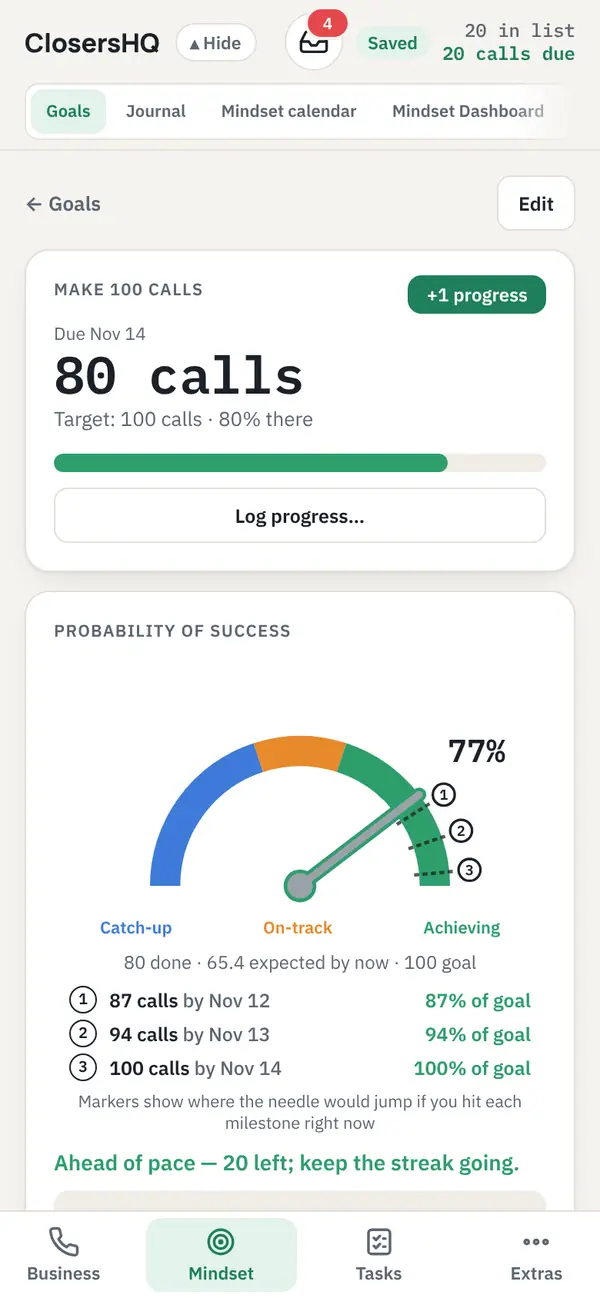
Step 4
Watch your pace, not just your total.
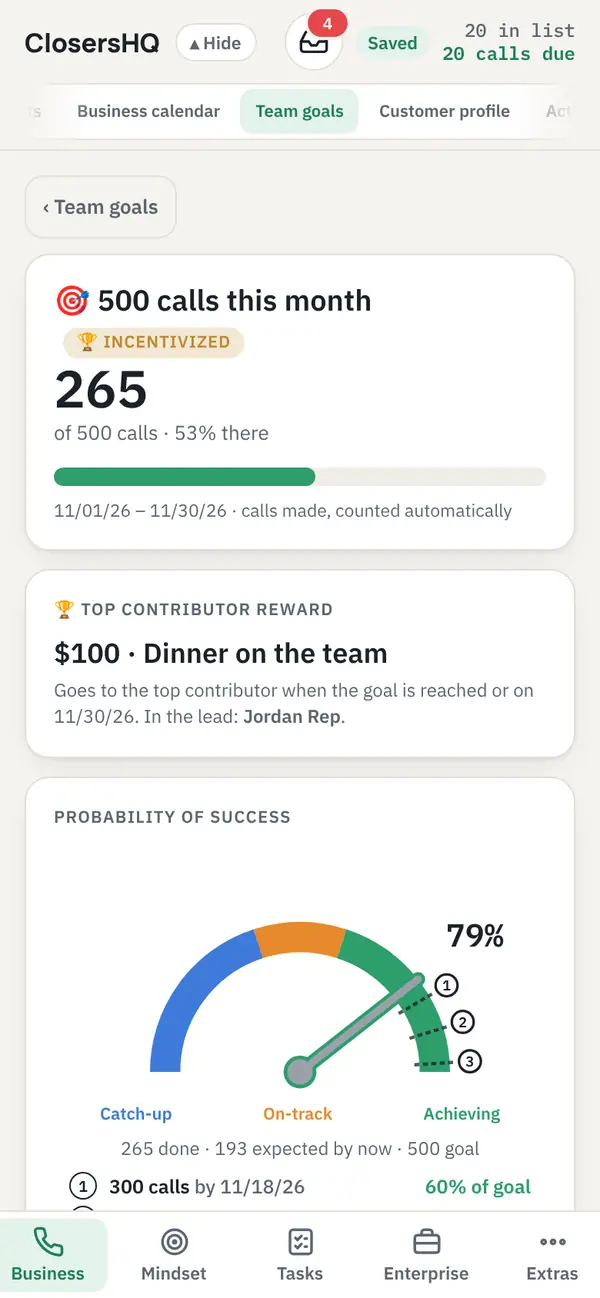
Every call counts toward your goals, and a gauge shows if you’re catching up, on track or ahead.
Made for b2b sales
What changes in the b2b sales version
Selling to businesses: discovery calls, demos and decision makers.
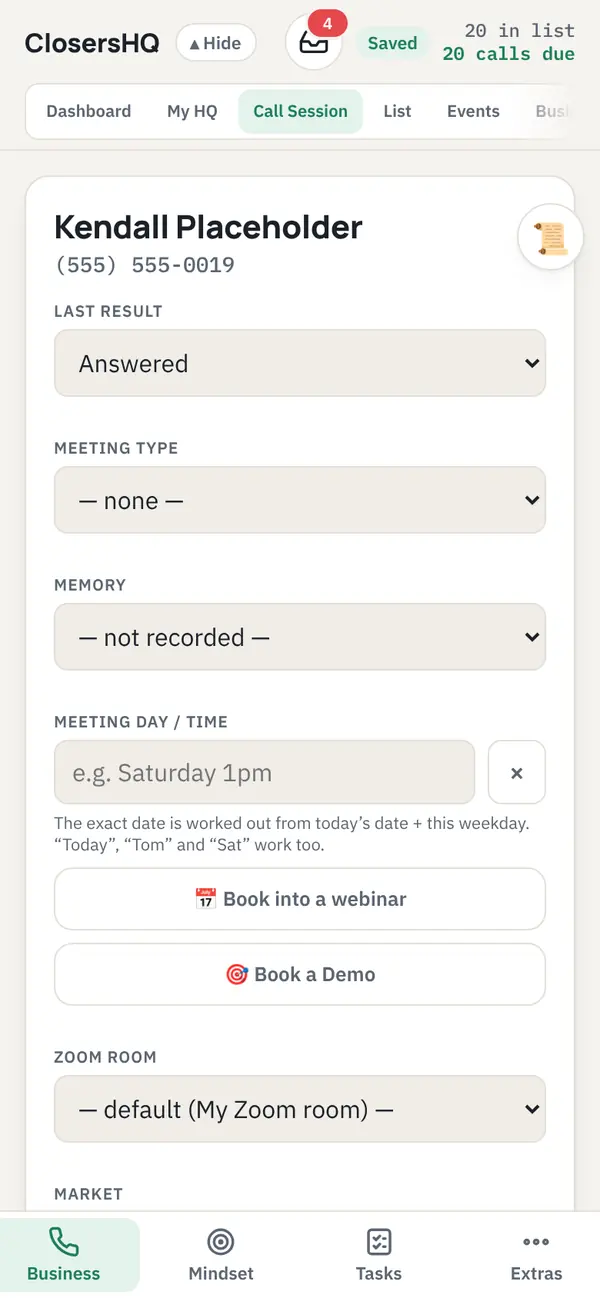
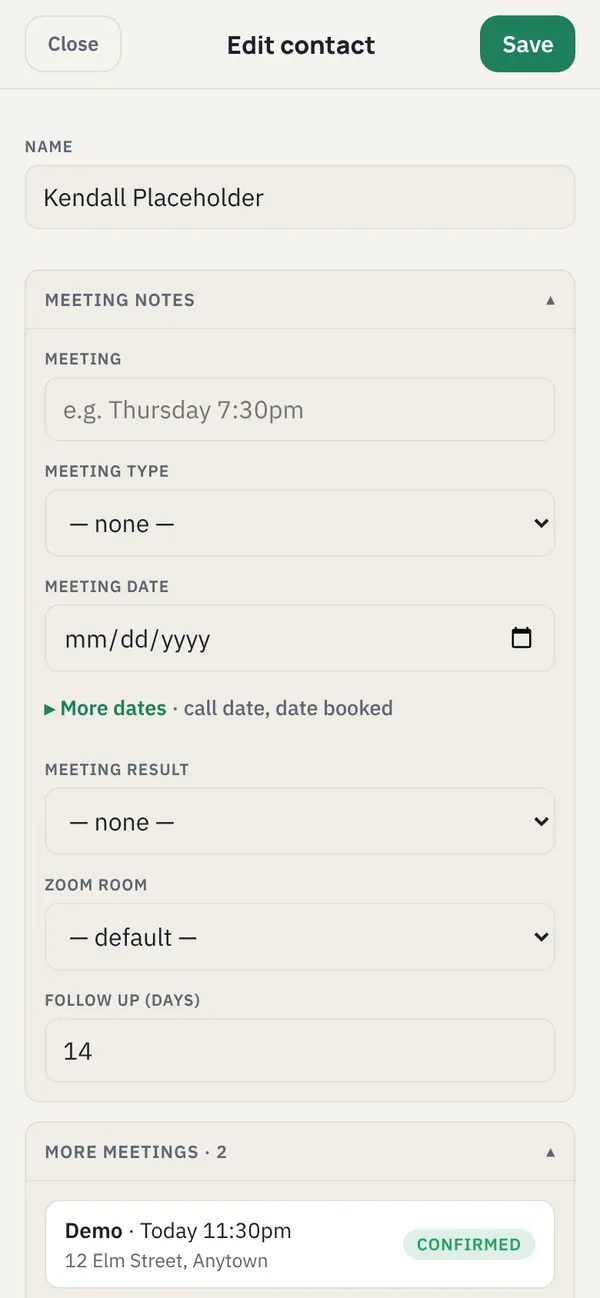
- Meetings are Discovery calls and Demos.
- Each prospect has a company and a decision maker.
- Email is the default way to follow up, opened in your own mail app.
What’s in the app
Explore all of it free →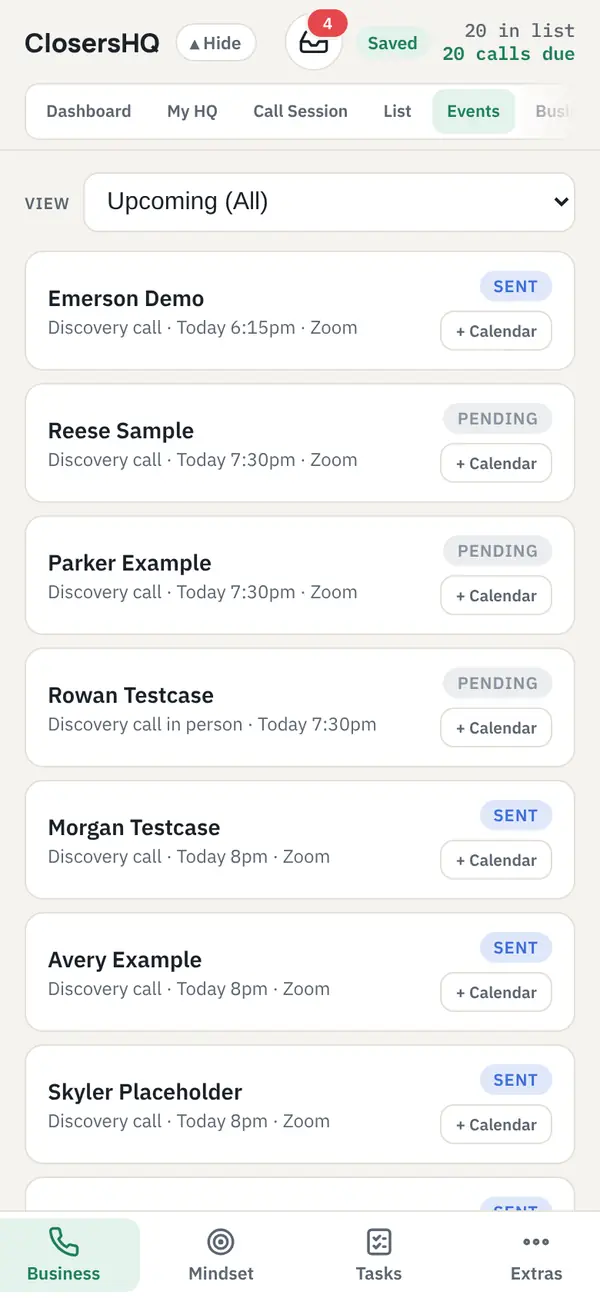
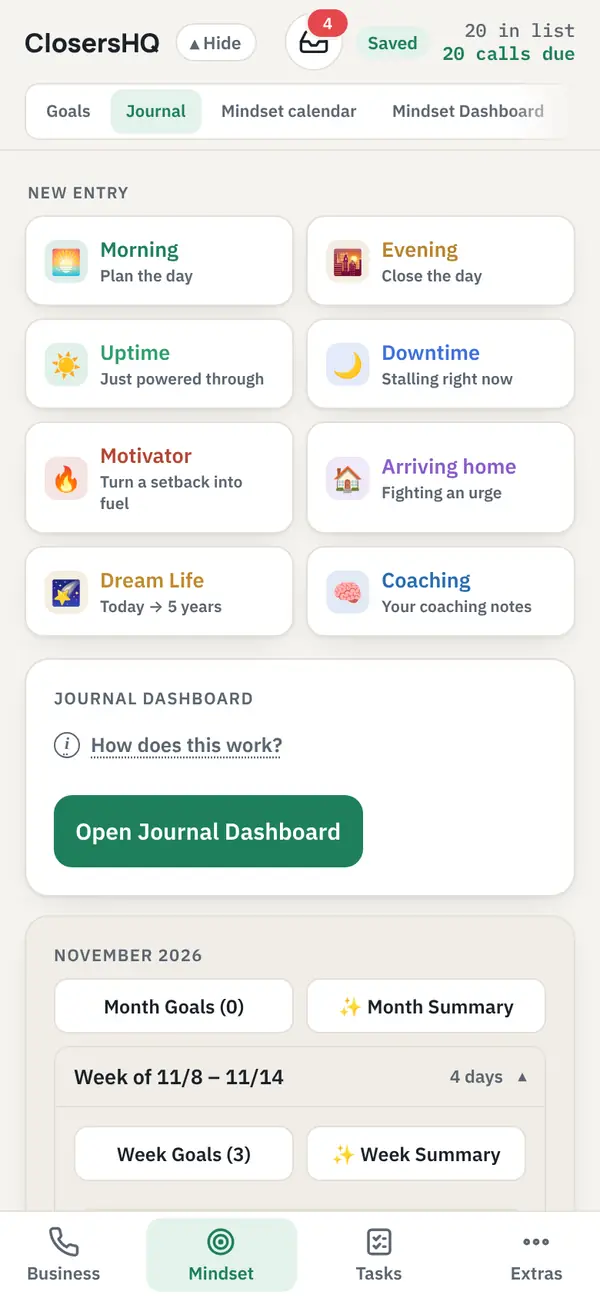
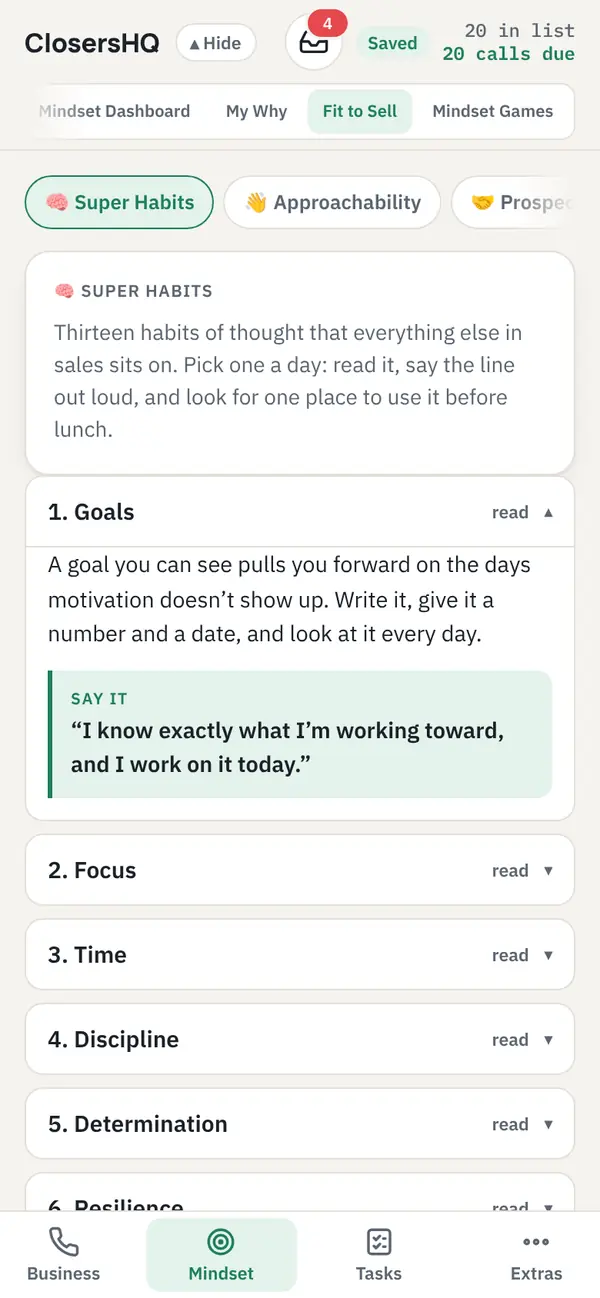
- Nothing is ever sent from the app. You text and email from your own phone, in your own words.
- No fields for financial account information.
- Your data is private to you unless you join a team, encrypted, and hosted in the US.
- Download your records or delete your account at any time.
Calendars
Your month at a glance.
Call sessions, discovery calls, demos and follow-ups on the Business calendar. Goals and journal entries on the Mindset calendar.
See the calendars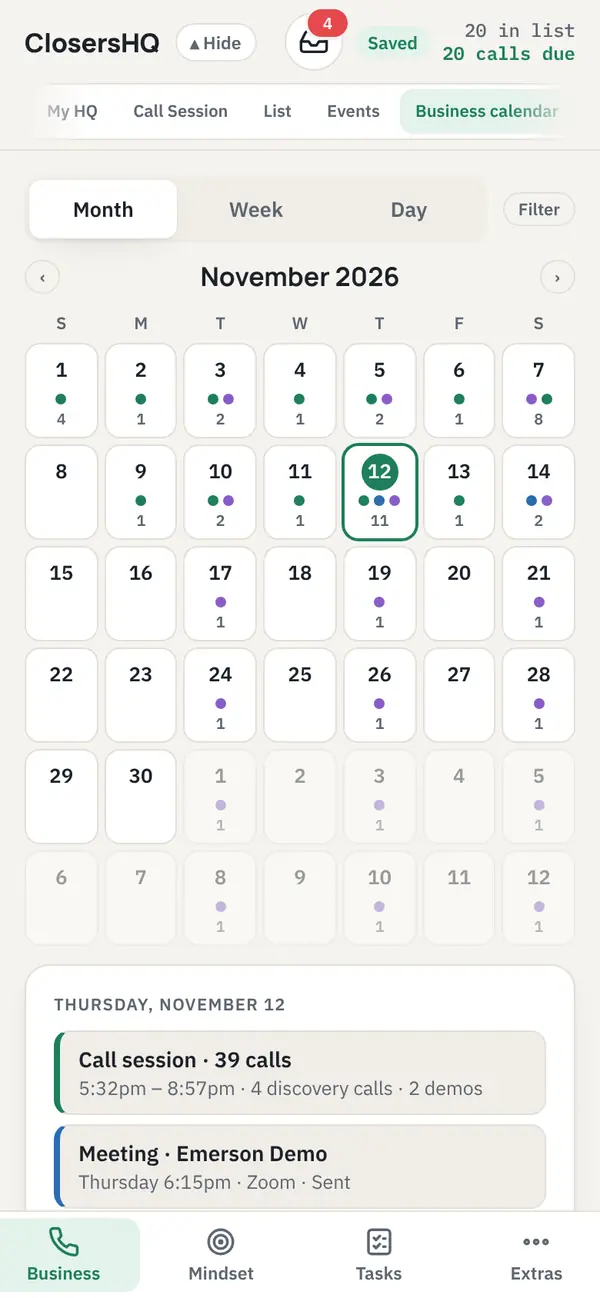

Built for people who sell
Less deciding. More dialling.
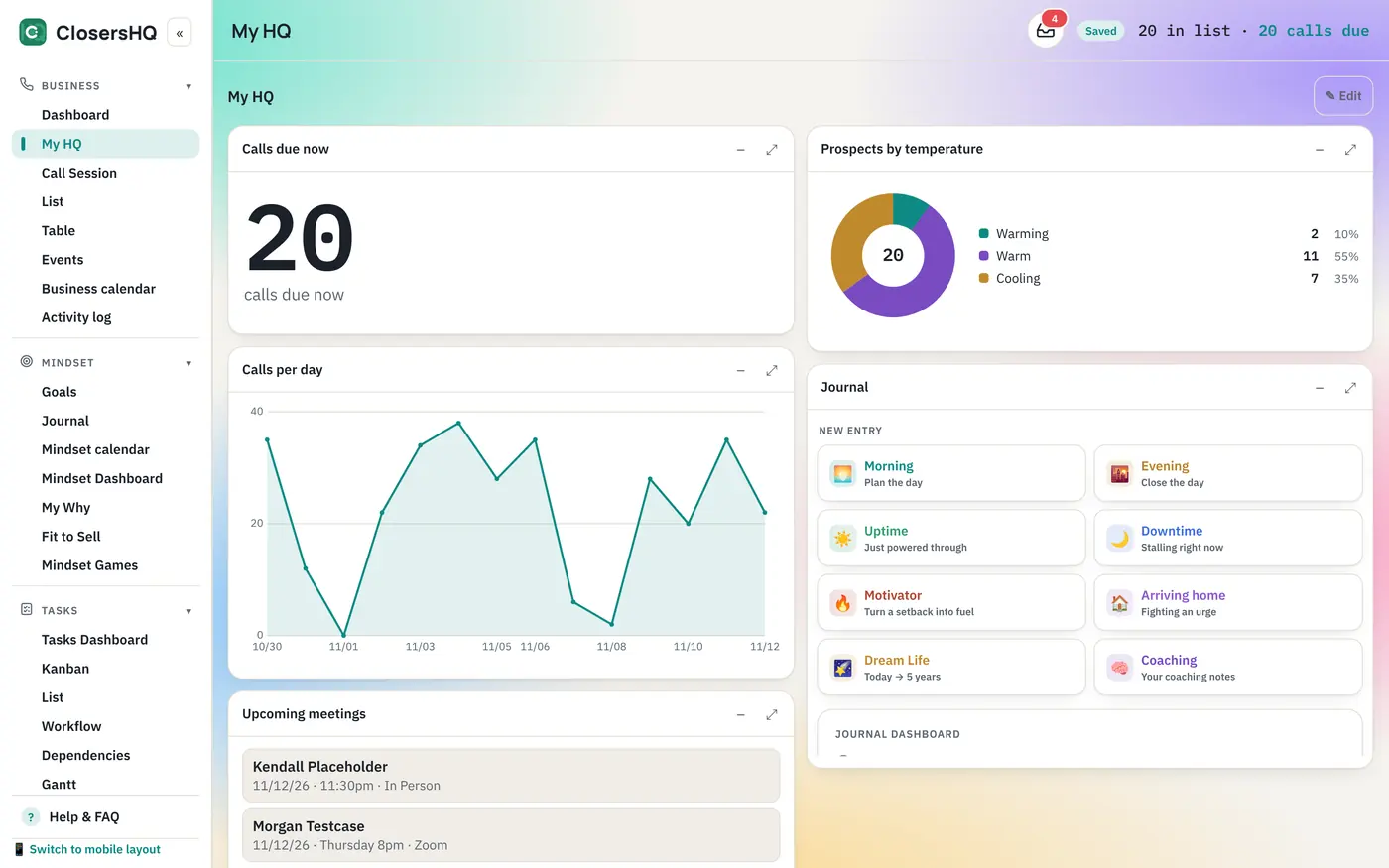
Open the app, see the next person, tap Call. The follow-up sets itself and your goals count the call.
See My HQ, your dashboard

Start free, with everything open for 14 days.
See the plans and questionsQuestions reps ask
What changes in the B2B version?
The wording, the meeting types and the prospect fields. Meetings are Discovery calls and Demos, and each prospect has a company and a decision maker.
Can I follow up by email instead of text?
Yes. In the B2B version email is the default way to follow up. Your wording opens in Gmail, Outlook or your own mail app, addressed and ready, and you press send.
Does ClosersHQ replace our CRM?
No. Your CRM stays the system of record for accounts and deals. ClosersHQ is the rep’s own tool for deciding who to call next and keeping follow-ups from slipping.
How does ClosersHQ decide who I should call next?
It puts the people whose follow-up date is due at the top and shows them one at a time. Each result you tap (No Answer, Ringless, Out of service or Answered) is logged, and the next call date is worked out from it. How follow-up days work.
Your next call is waiting.
Enter your email, get a code, and you’re in. New here or coming back, it’s the same button.
Sign in or get started