 ClosersHQ
Your sales call list on a computer
Big list? Enjoy a big screen.
The same account opens as a desktop version in a browser: a sidebar, a table you edit in place, two tabs side by side, and dashboards in columns.
Get started free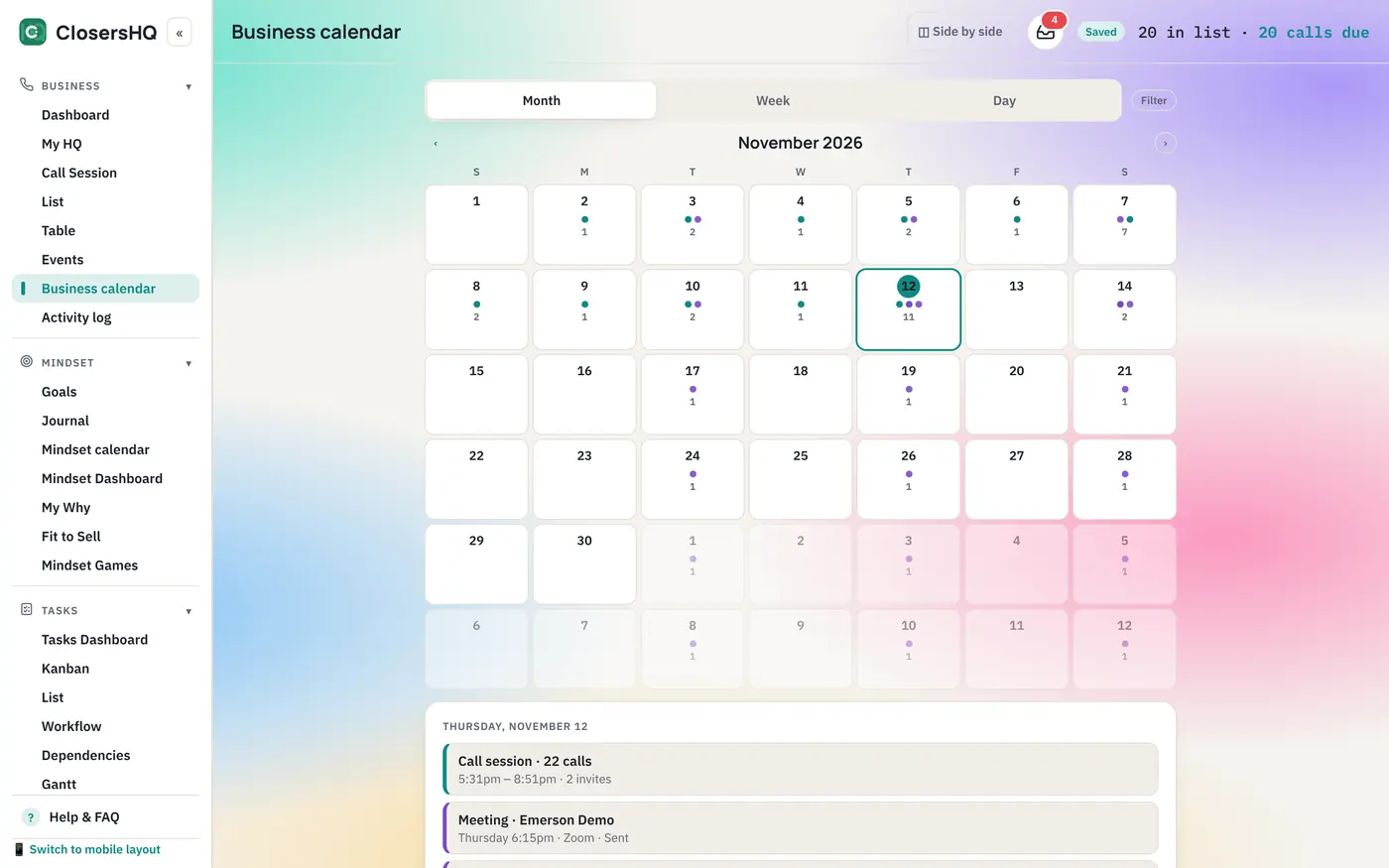
The Table
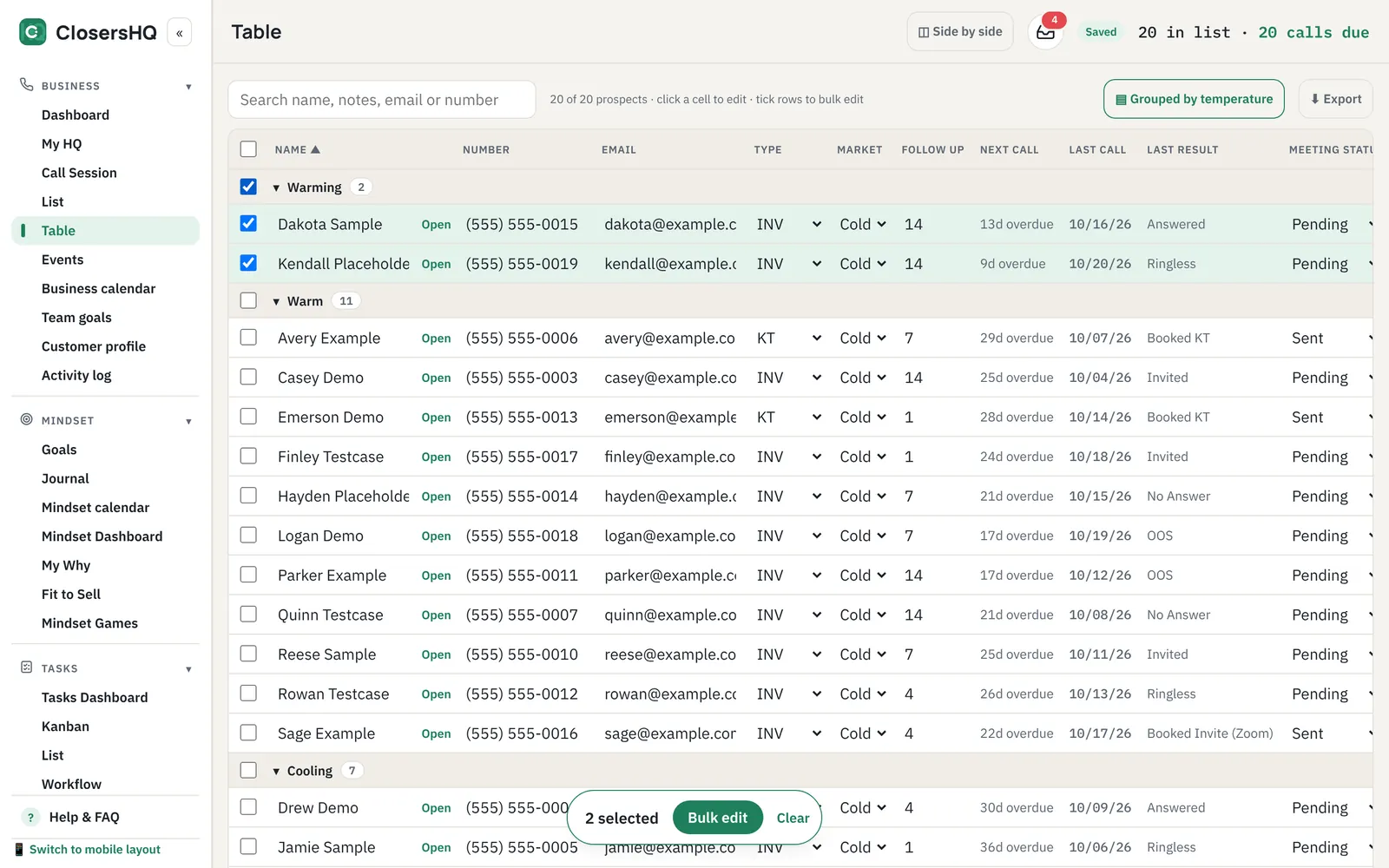
Edit your whole list like a spreadsheet.
Change any cell in place, group the rows the way you want, and use bulk edit to update many people at once.
Call Session
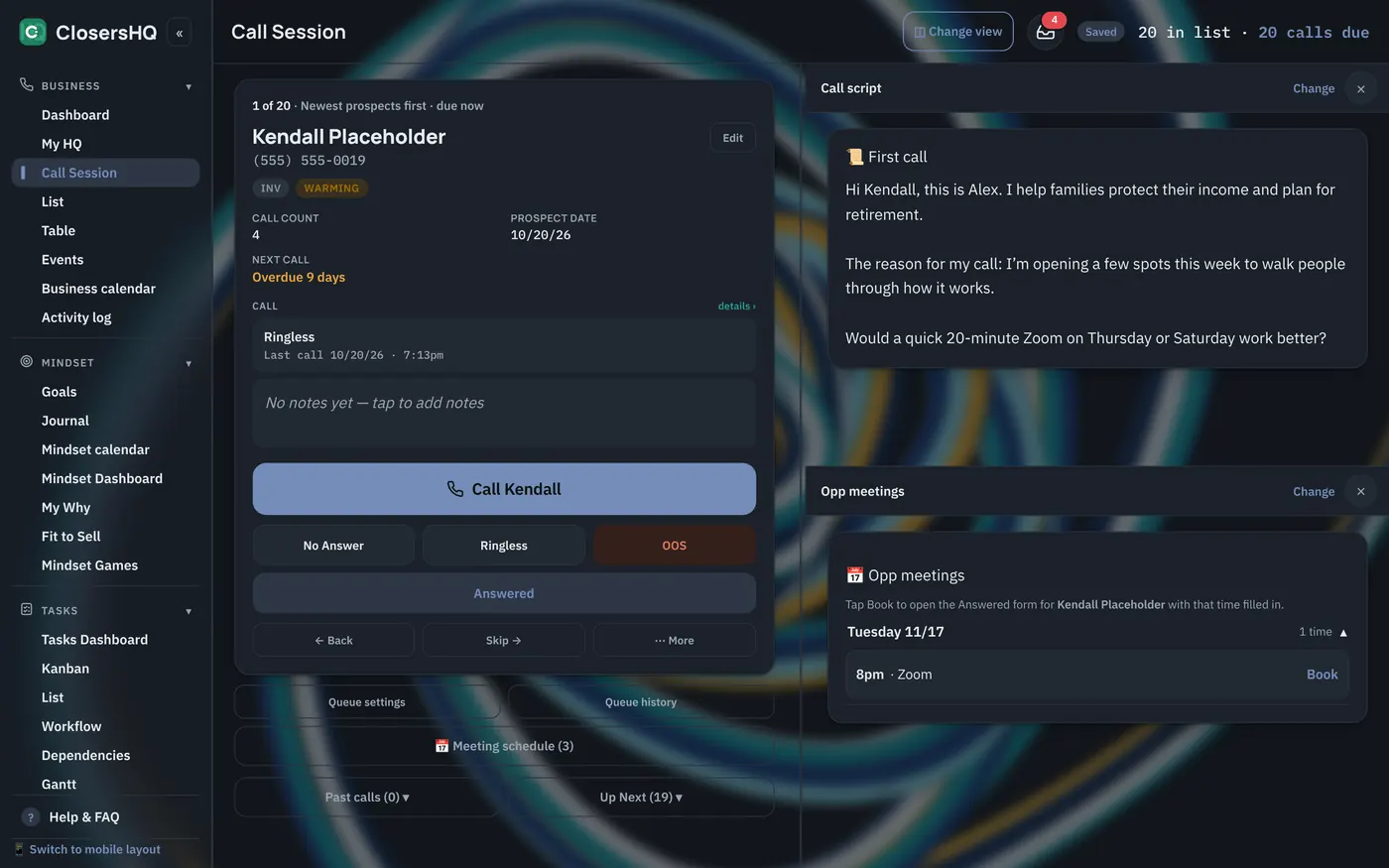
Your call on the left, your script on the right.
Keep the prospect, your call script and your open meeting times on one screen. Shown in dark mode with the Ocean pendulum painting.
Side by side
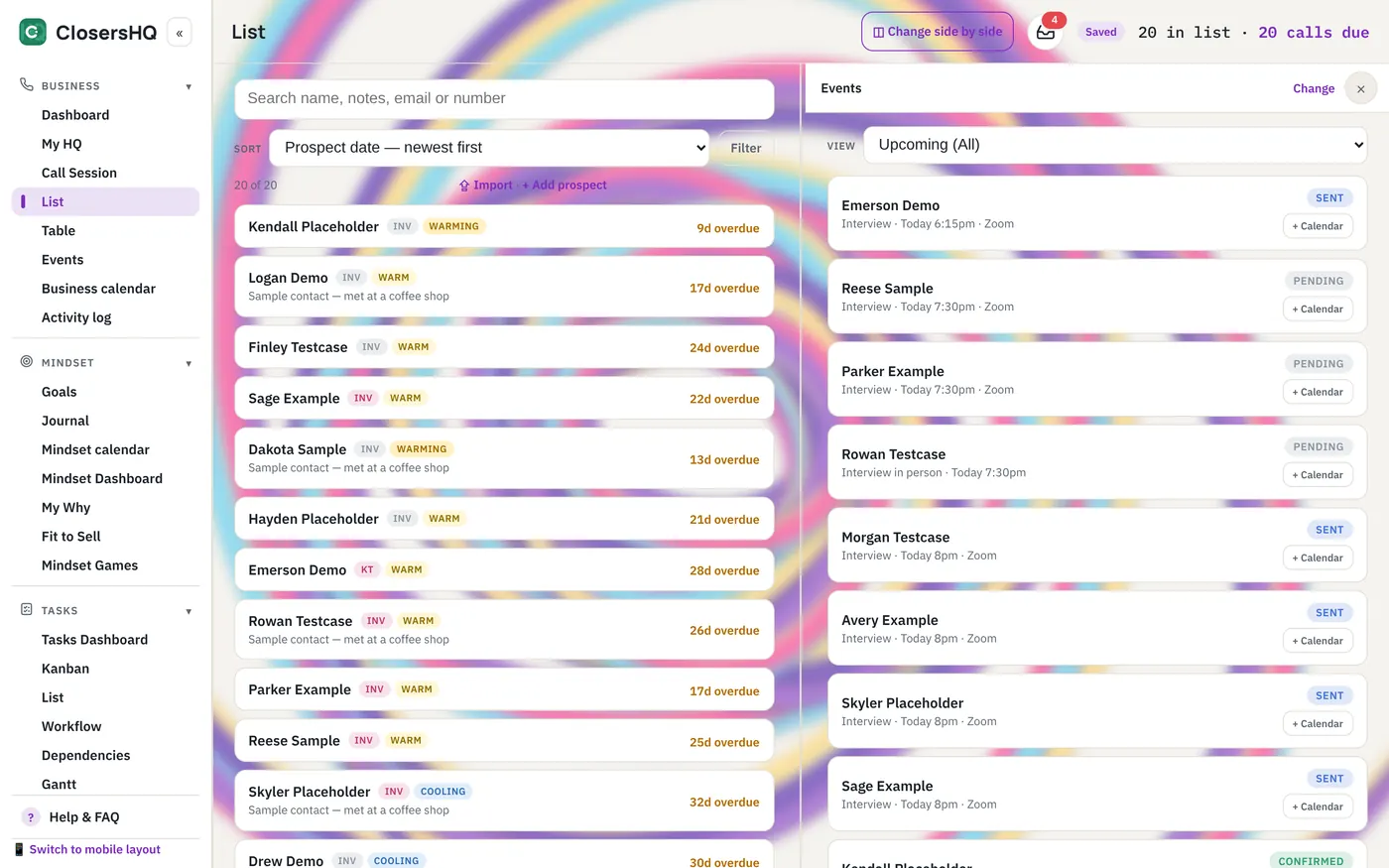
Two tabs at once.
Put any two tabs next to each other, such as your List beside Events, and drag the line between them. Shown with the Berry pendulum painting.
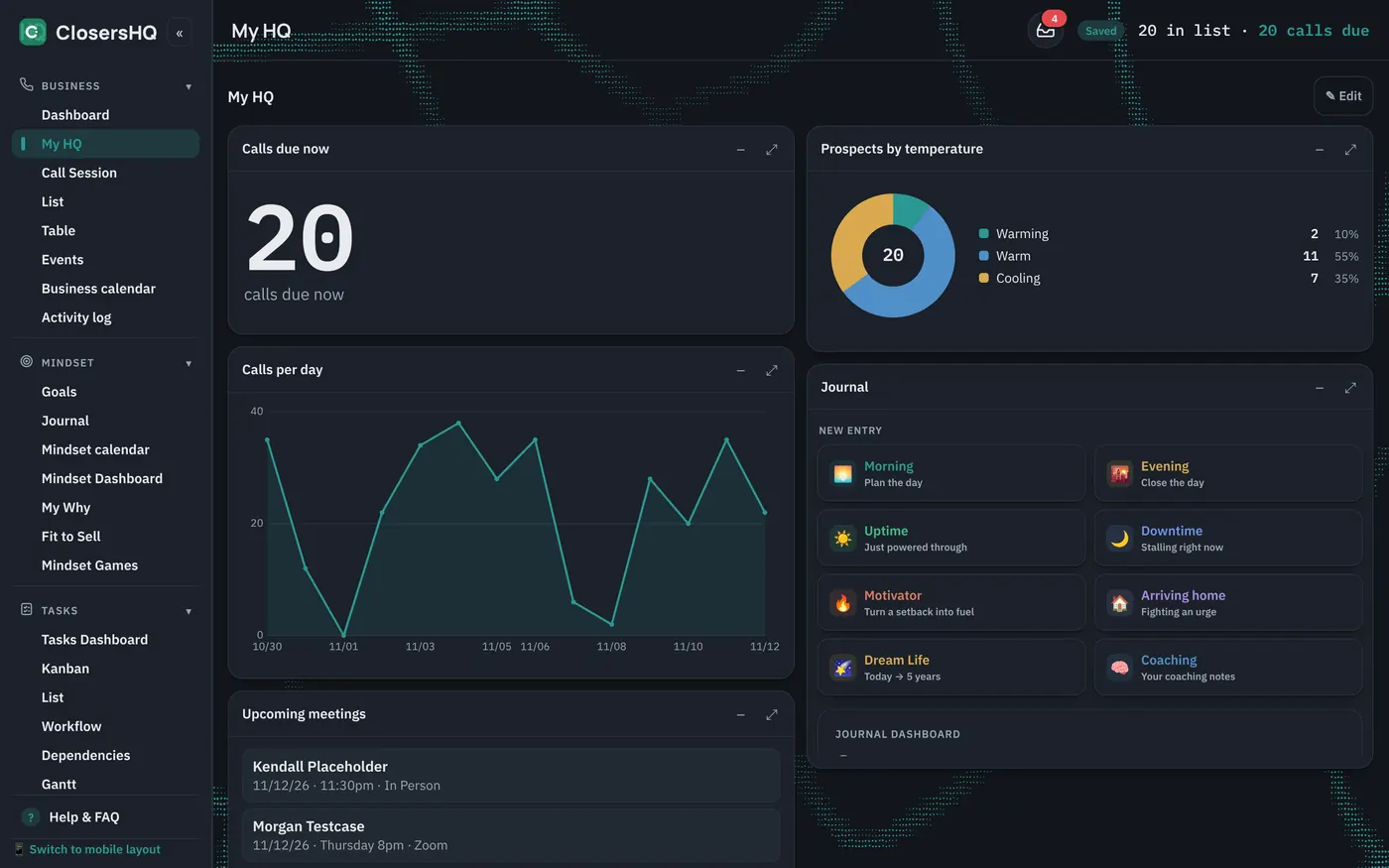
My HQ
A dashboard you build.
Counts, graphs, pie charts, lists and whole tabs as sections, in up to five columns. Shown in dark mode on the Caustics live background.
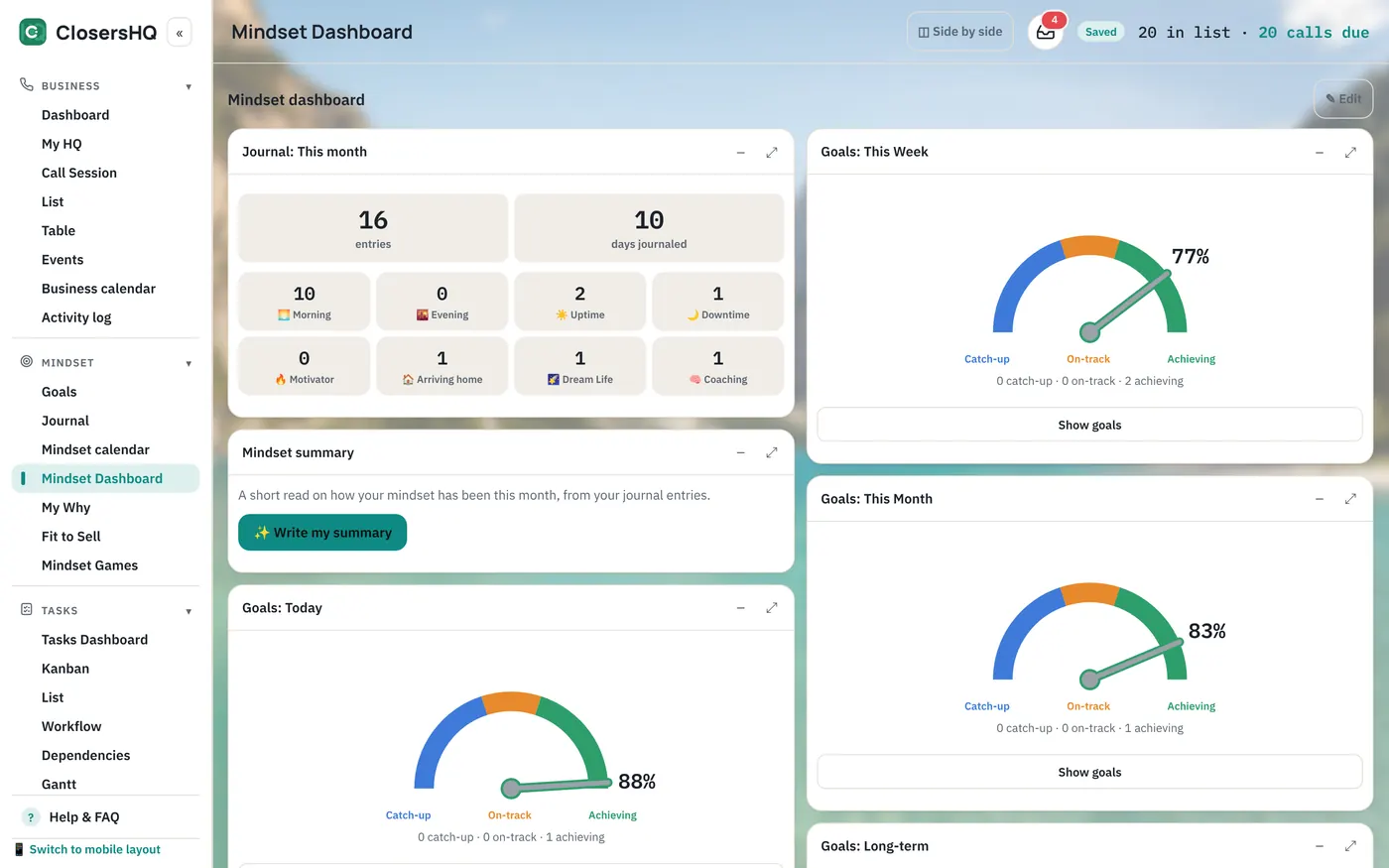
Mindset
Your goals and journal, in columns.
The Mindset Dashboard spreads its sections across the screen. Shown with the Alpine Lake photo behind it.
Open closershq.net in Chrome, Safari or Edge on a computer and sign in with the same email. A desktop app for Windows, Mac and Linux is on the way.
Questions
Does ClosersHQ work on a computer?
Yes. Open closershq.net in a browser on a computer and you get a desktop version with a sidebar, an editable table, two tabs side by side and dashboards in columns.
Is it the same account as on my phone?
Yes. You sign in with the same email and see the same prospects, goals and journal on both.
Can I change many prospects at once?
Yes. In the Table you can tick several rows, or a whole group, and use bulk edit to change them together.
Is there a desktop app to install?
A desktop app for Windows, Mac and Linux is on the way. Until then the desktop version runs in Chrome, Safari or Edge.
Your next call is waiting.
Enter your email, get a code, and you’re in. New here or coming back, it’s the same button.
Sign in or get started