Get started free · Every feature is yours for the first 14 days

Themes, backgrounds and dark mode

Make it look and work your way.

Colours, painted backgrounds, nature photos or your own picture. Dashboards you arrange yourself. Light or dark.

Get started free
A laptop, a coffee and a notepad on a wooden desk

Painted themes

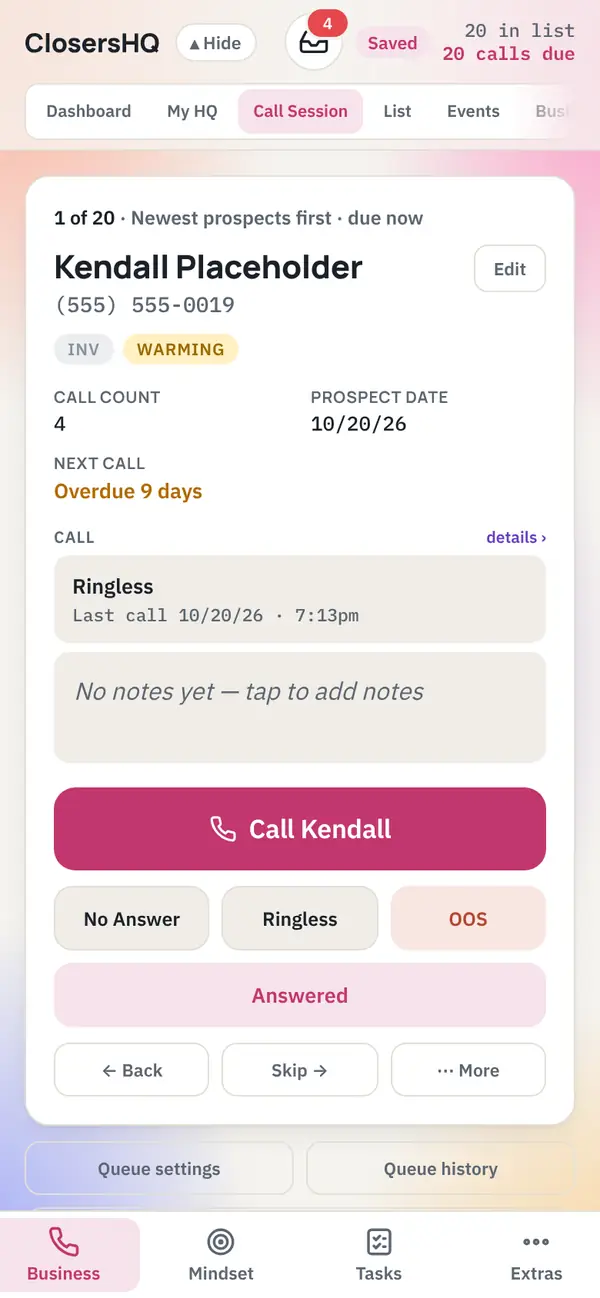
A painted picture that fills the screen.
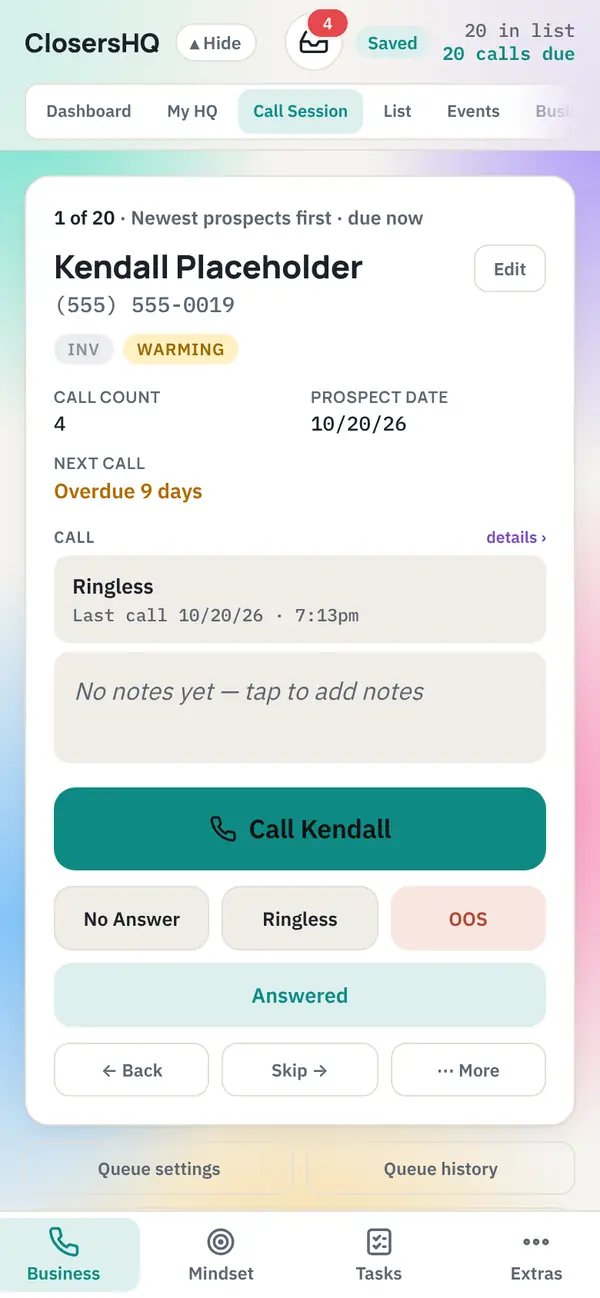
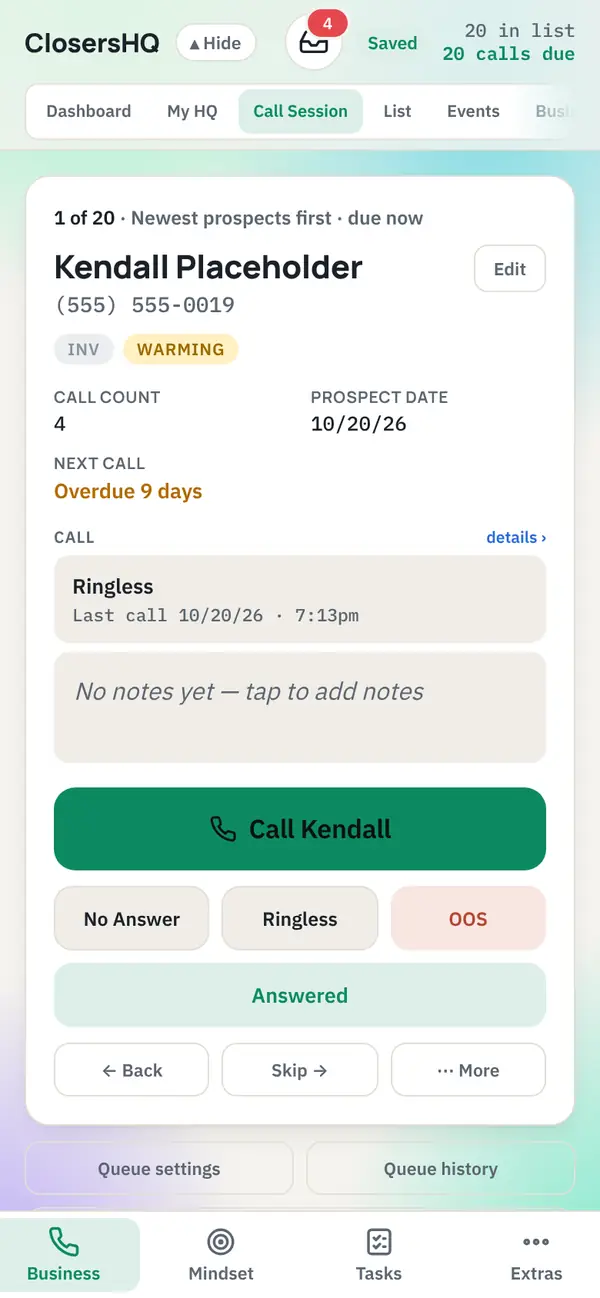
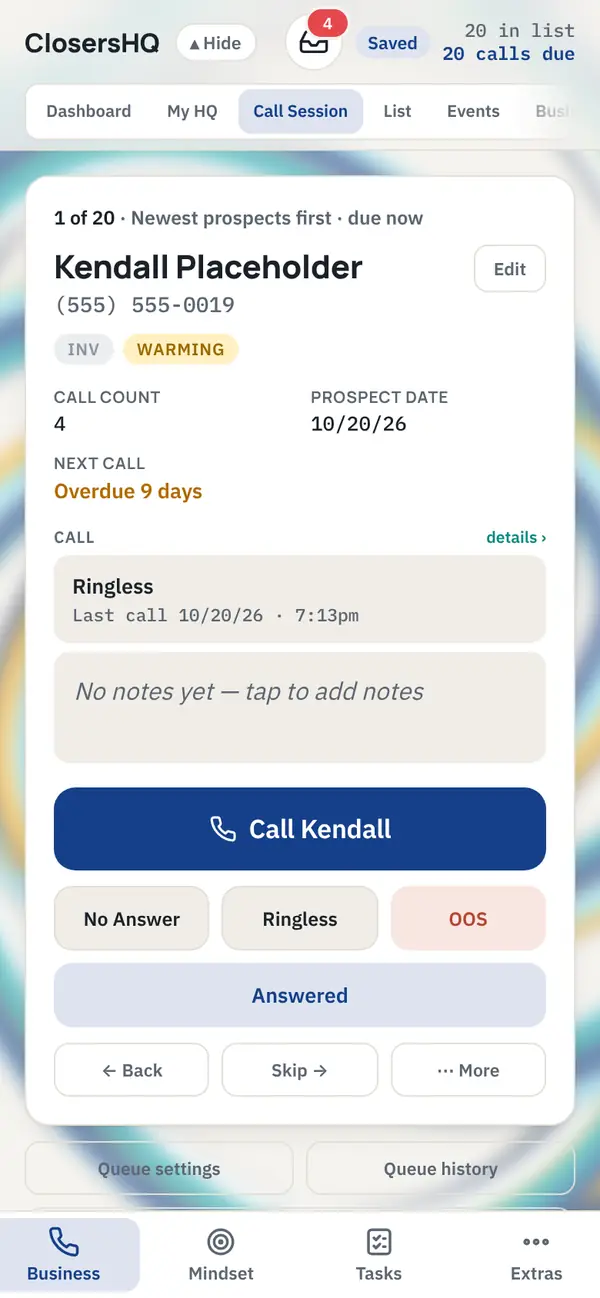
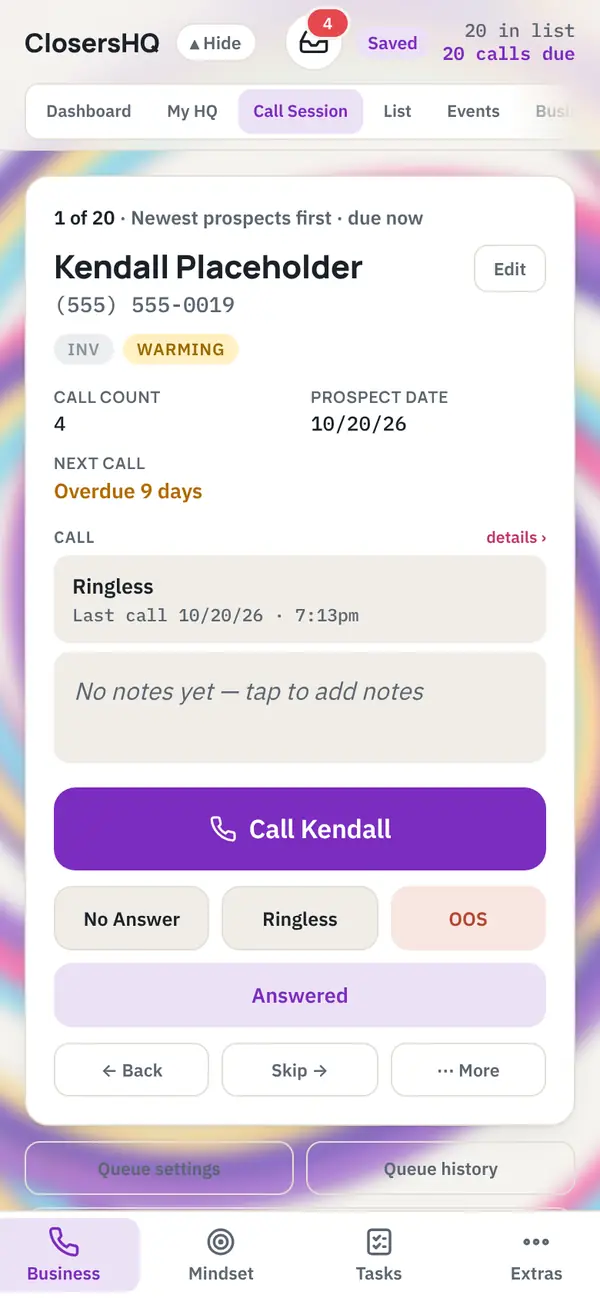
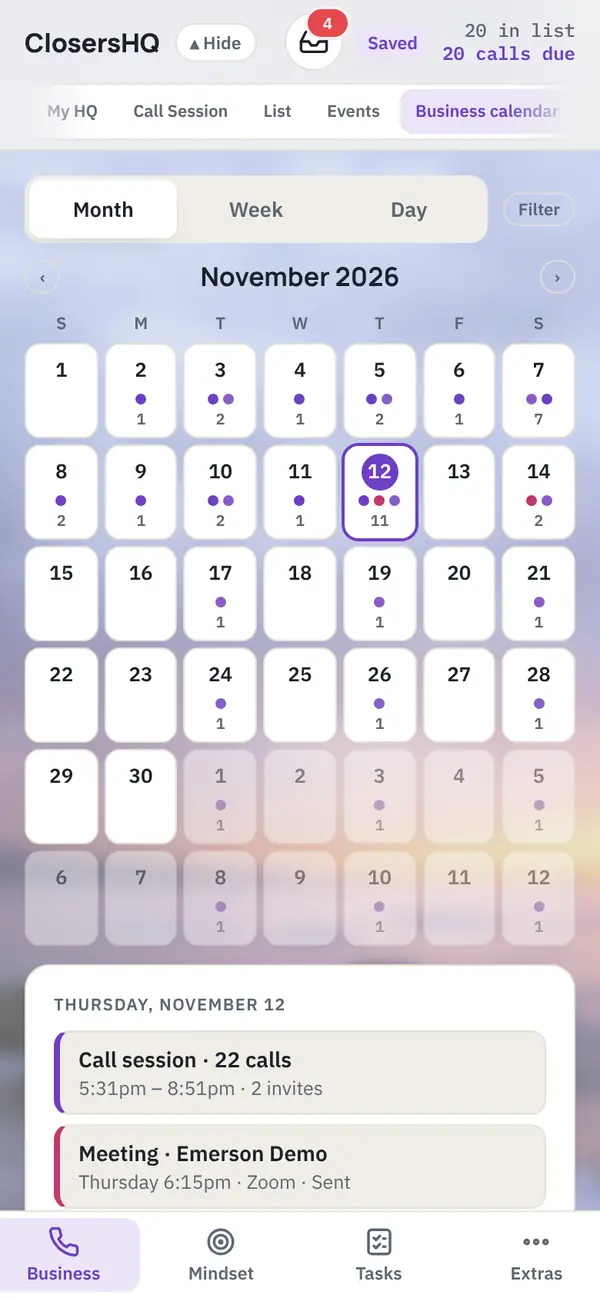
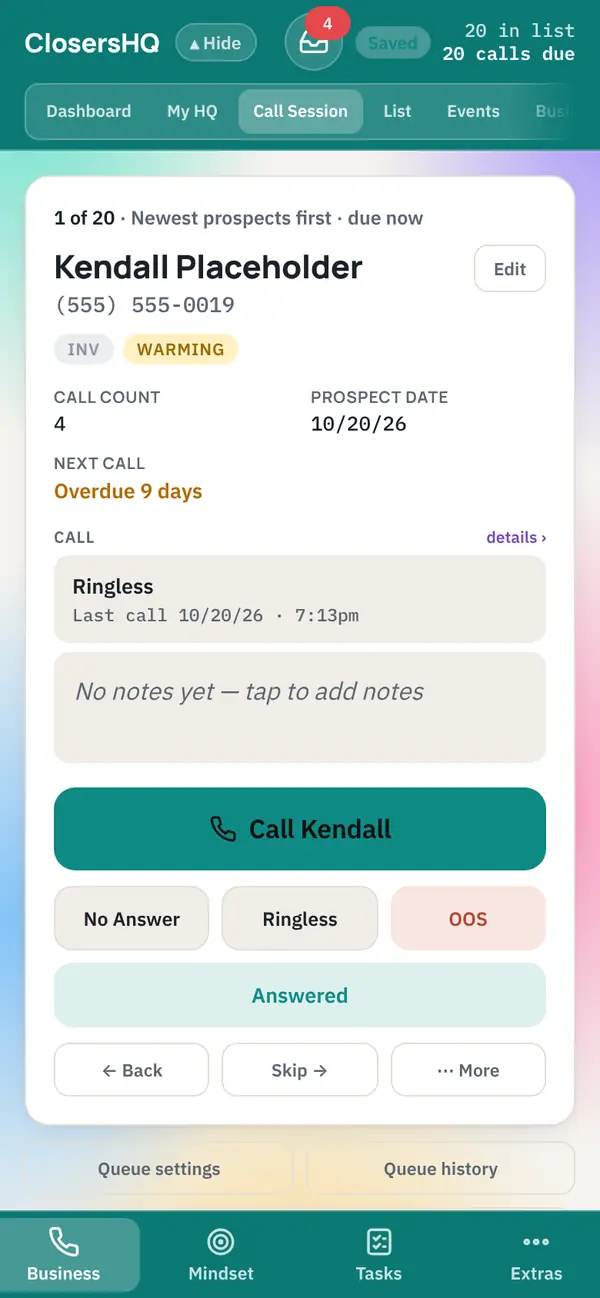
Aurora theme in ClosersHQ
AuroraGlowing teal, violet and pink
Northern Lights theme in ClosersHQ
Northern LightsGreen and blue glow
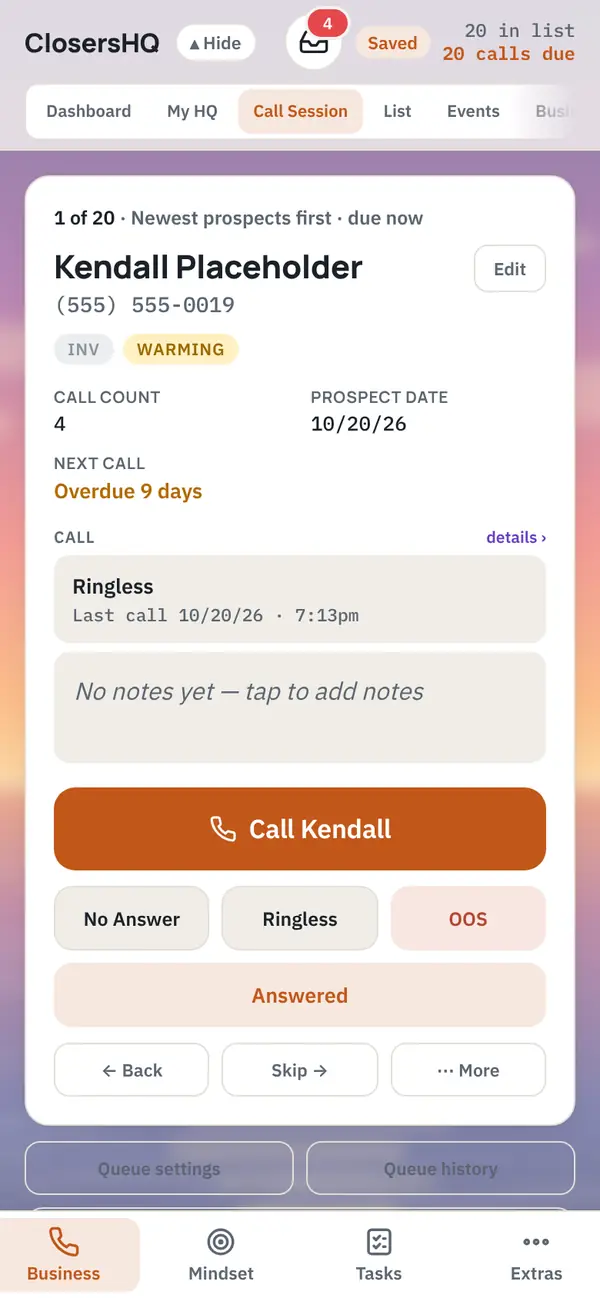
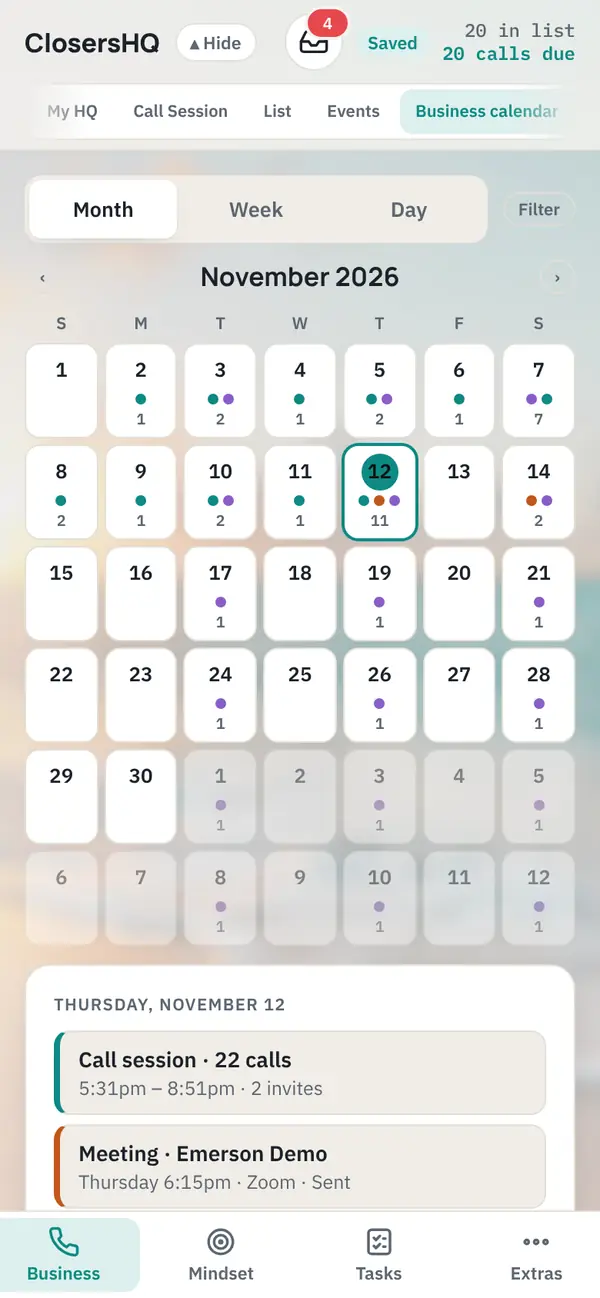
Dusk Glow theme in ClosersHQ
Dusk GlowCoral, pink and violet glow
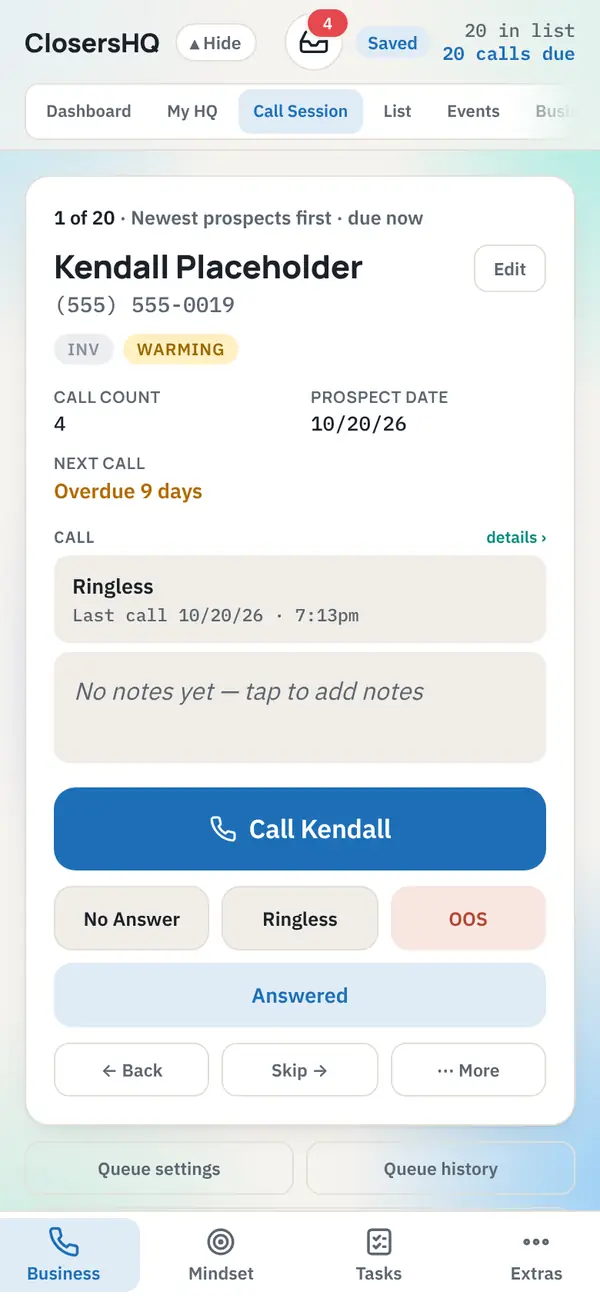
Ocean Mist theme in ClosersHQ
Ocean MistSoft blues and sea green
Sunset Horizon theme in ClosersHQ
Sunset HorizonThe sun setting over the sea
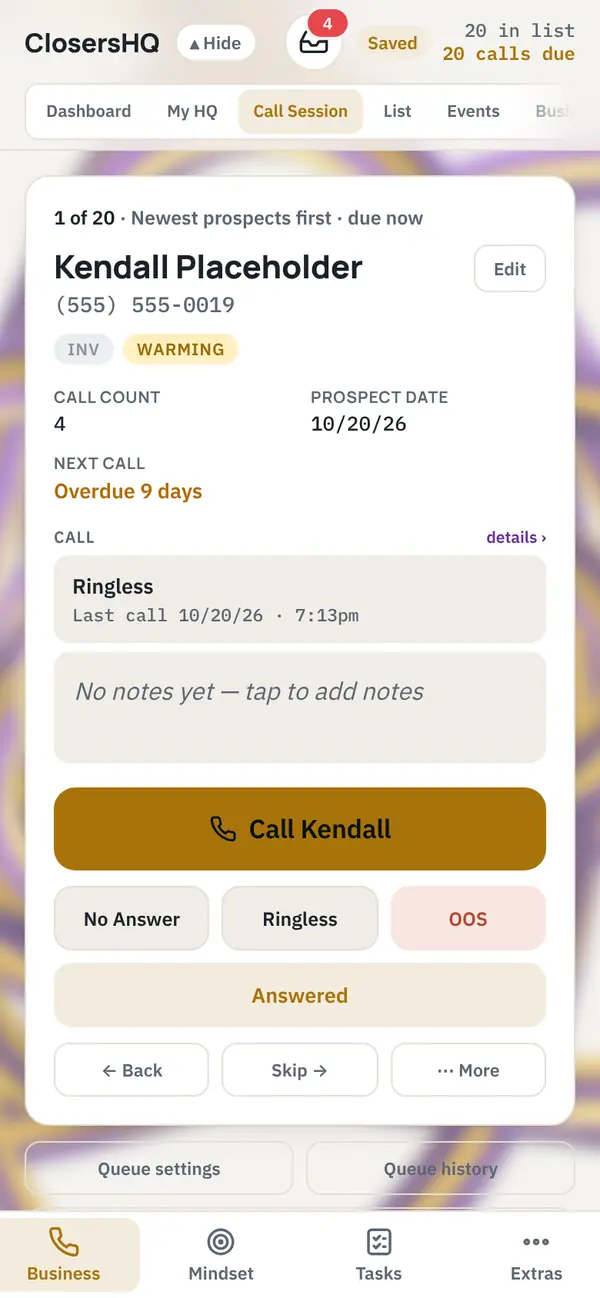
Gold & Purple Pendulum theme in ClosersHQ
Gold & Purple PendulumGold and purple paint, swung from a spinning bucket
Ocean Pendulum theme in ClosersHQ
Ocean PendulumBlues, white and a line of gold
Berry Pendulum theme in ClosersHQ
Berry PendulumViolet, pink and sky blue in wide loops
Watercolour theme in ClosersHQ
WatercolourSoft pastel washes

Nature photos

A photograph behind the app.
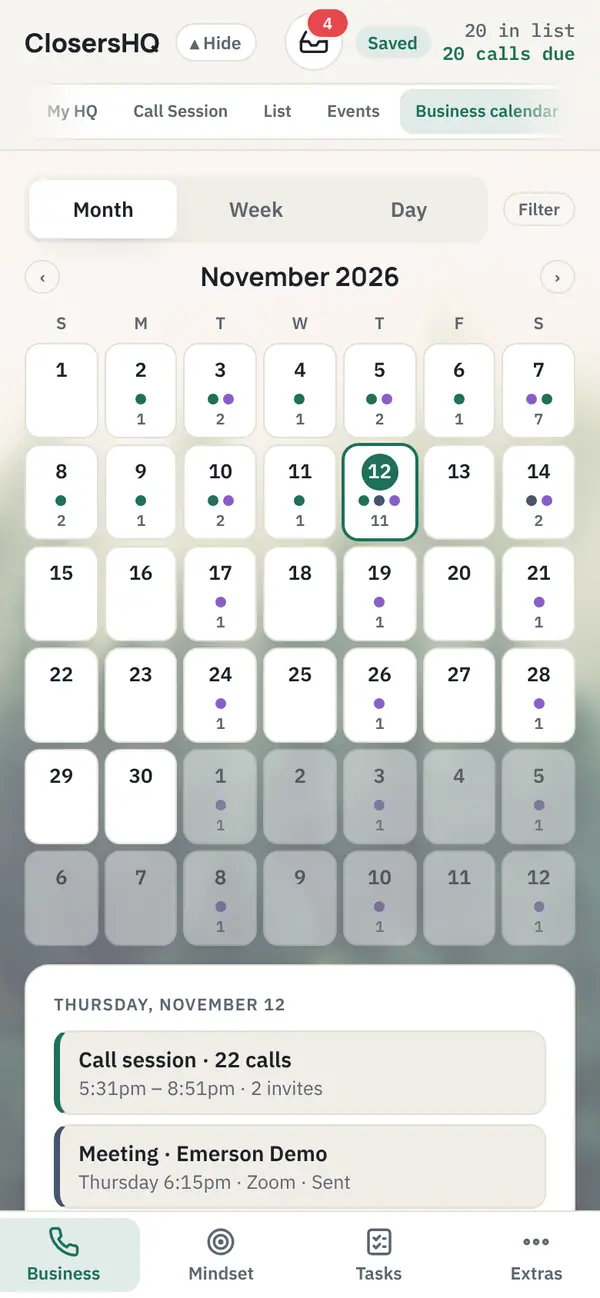
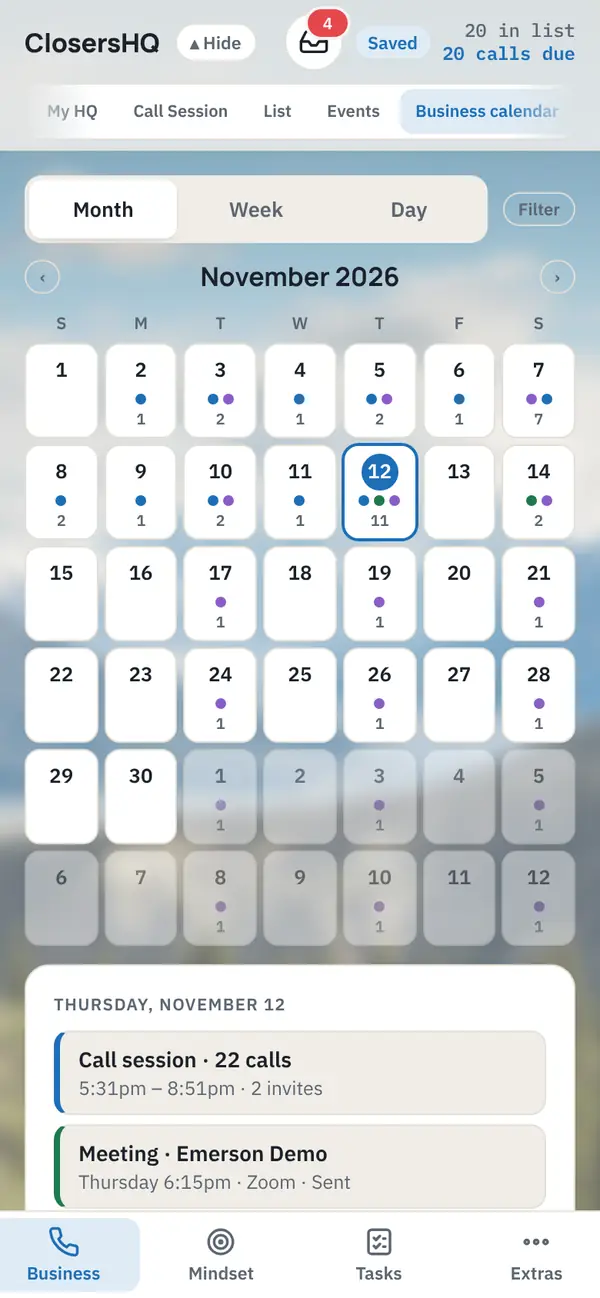
Misty Forest theme in ClosersHQ
Misty ForestPines in morning fog
Mountain Valley theme in ClosersHQ
Mountain ValleySnowy peaks over a green valley
Valley at Dawn theme in ClosersHQ
Valley at DawnCliffs and a river at first light
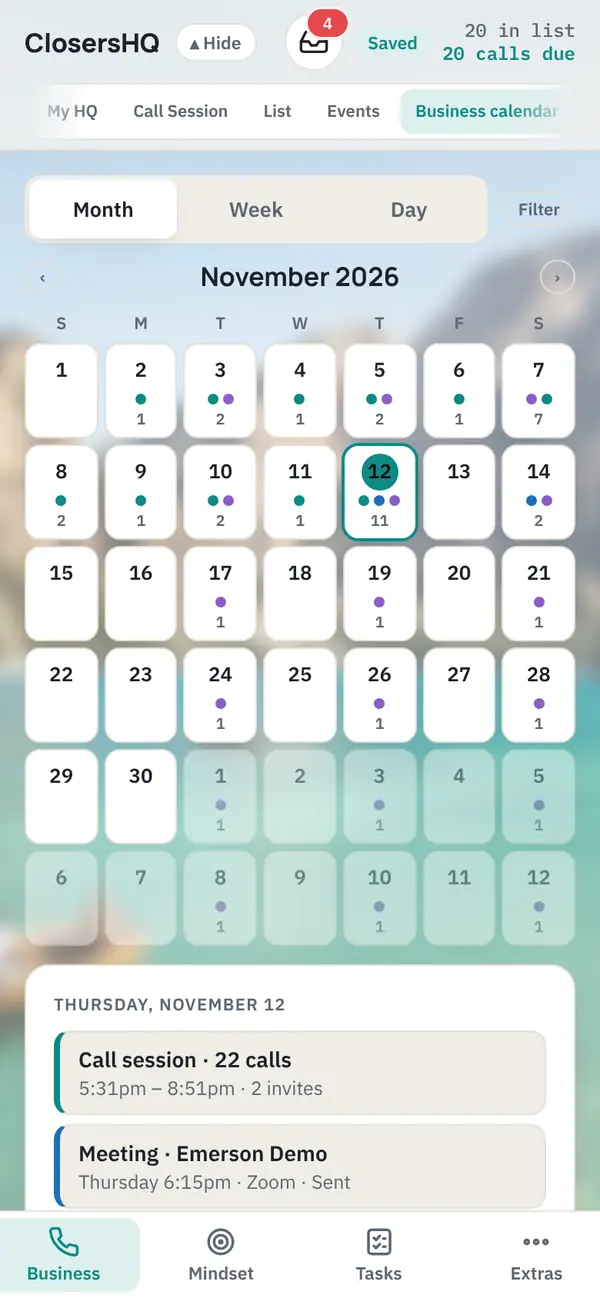
Alpine Lake theme in ClosersHQ
Alpine LakeClear turquoise water under the mountains
Beach Sunrise theme in ClosersHQ
Beach SunriseSoft waves and a rising sun
Purple Coast theme in ClosersHQ
Purple CoastA violet sky over the sea

Repeating patterns

A small painting that repeats.
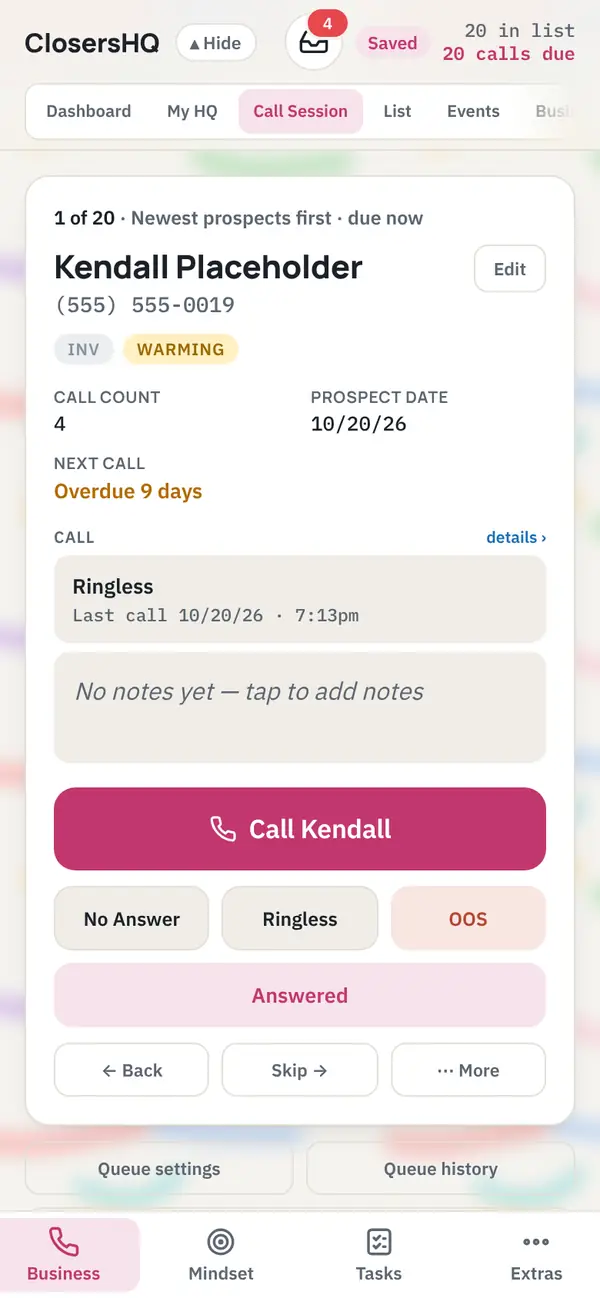
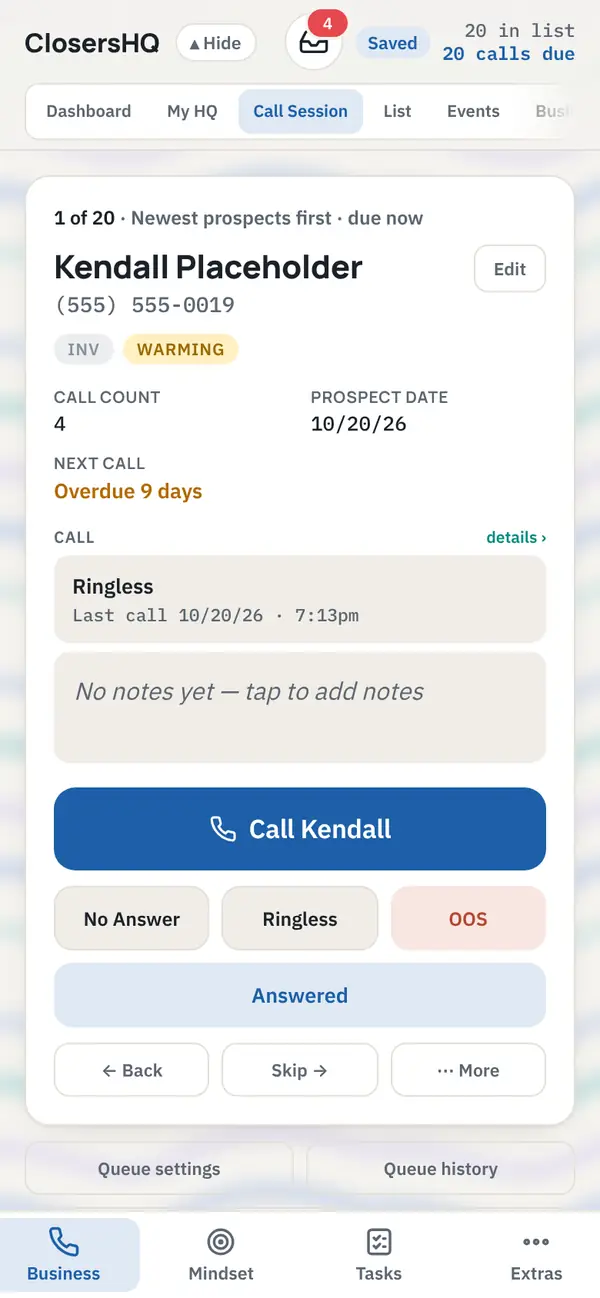
Brush Strokes theme in ClosersHQ
Brush StrokesLoose painted strokes
Ink Waves theme in ClosersHQ
Ink WavesFlowing painted lines

Interactive backgrounds

Dots that move and follow your pointer or finger. You choose their colour for light and dark mode.
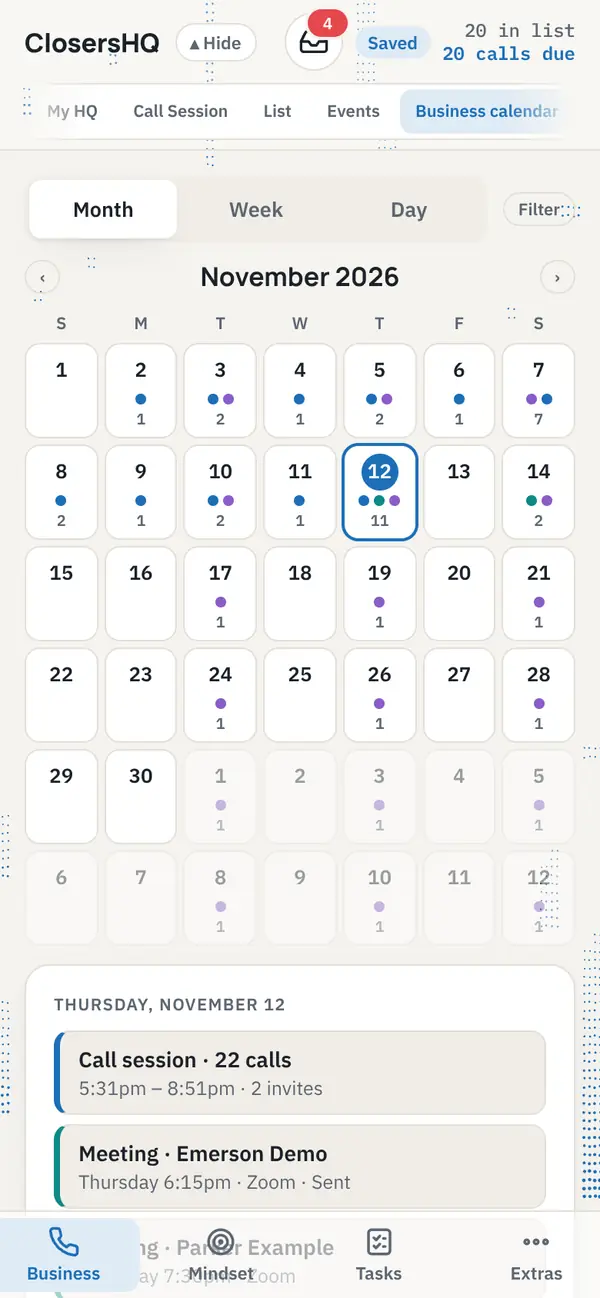
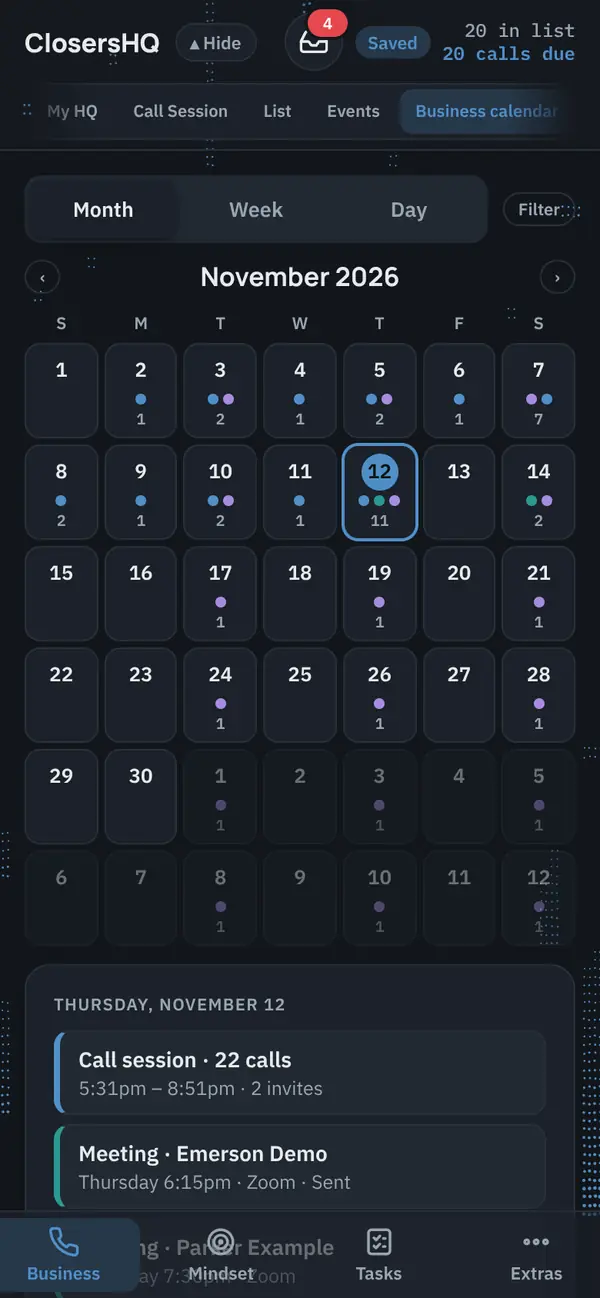
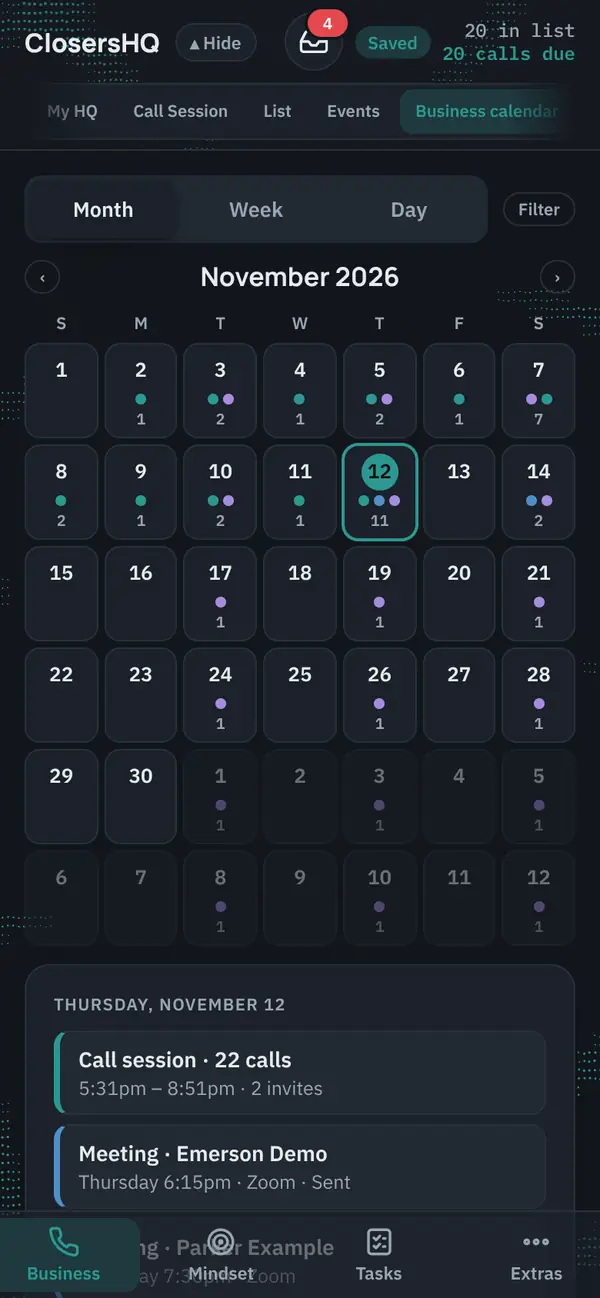
Cascade interactive background behind the Business calendar in light mode, with the Clear glass menu
Cascade · LightStreaks falling at three depths
Cascade interactive background behind the Business calendar in dark mode, with the Clear glass menu
Cascade · DarkStreaks falling at three depths
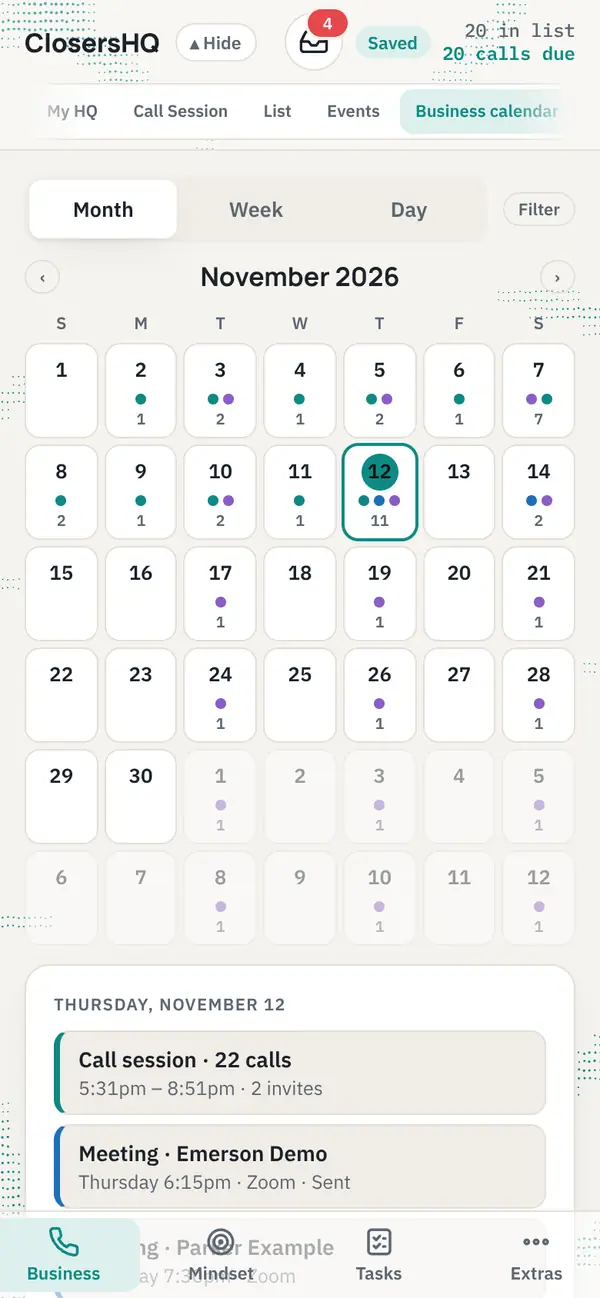
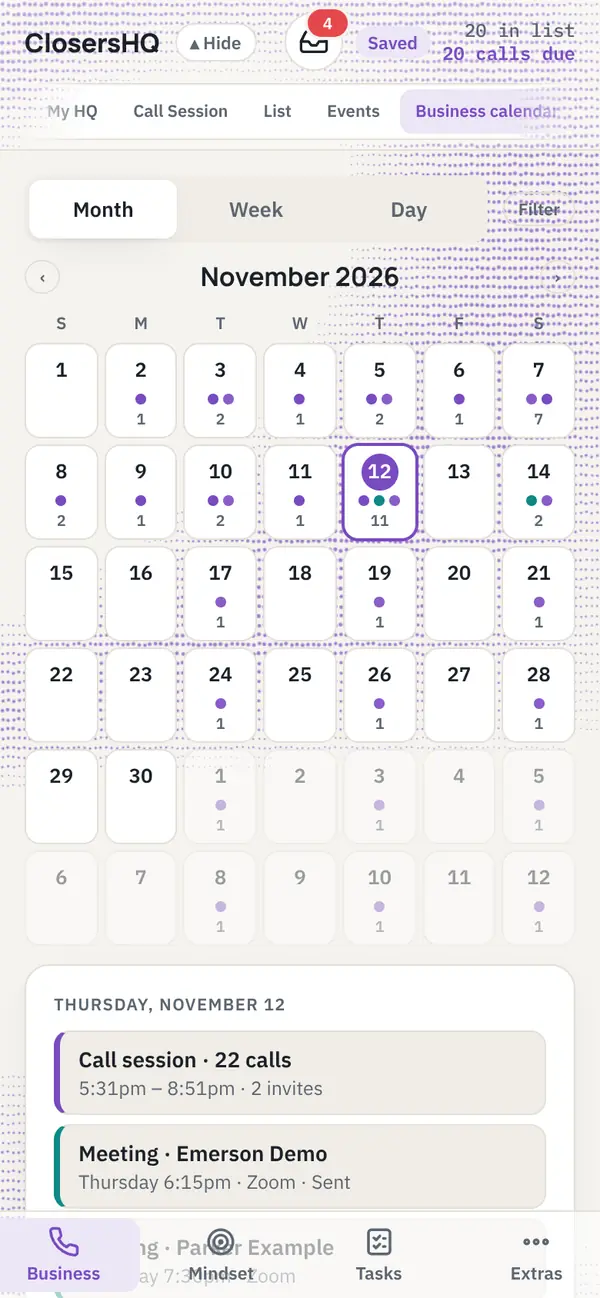
Caustics interactive background behind the Business calendar in light mode, with the Clear glass menu
Caustics · LightLight through moving water
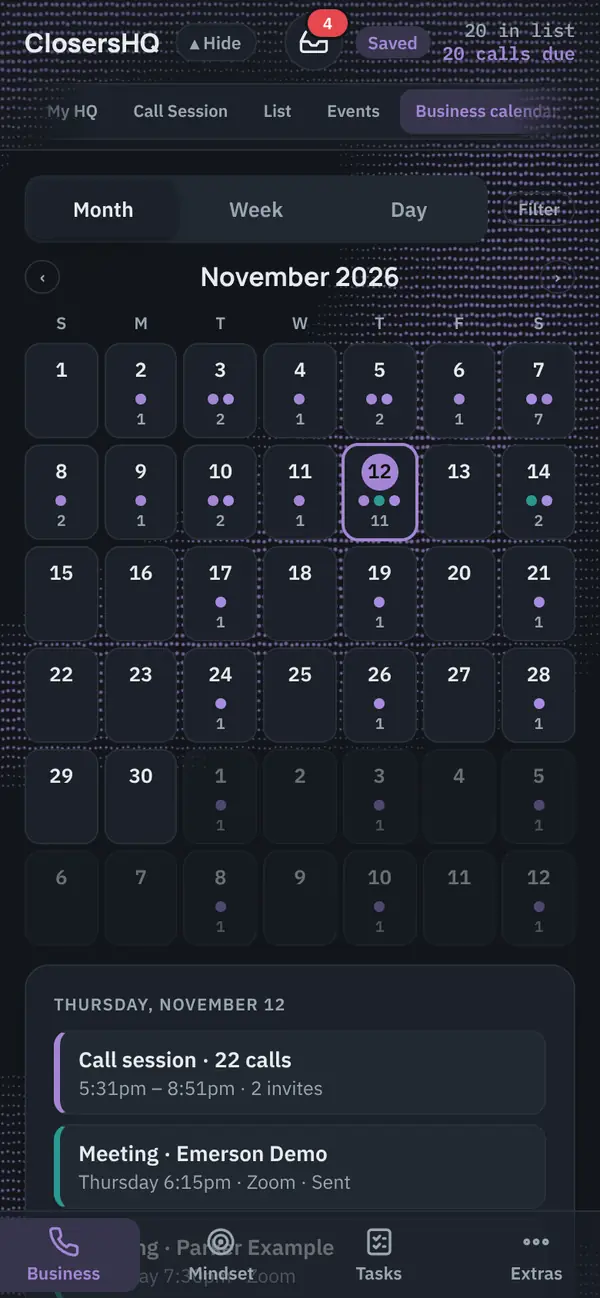
Caustics interactive background behind the Business calendar in dark mode, with the Clear glass menu
Caustics · DarkLight through moving water
Fluid interactive background behind the Business calendar in light mode, with the Clear glass menu
Fluid · LightFlowing folds that follow you
Fluid interactive background behind the Business calendar in dark mode, with the Clear glass menu
Fluid · DarkFlowing folds that follow you

Shown with the Clear glass menu, so the dots carry on behind the top bar.

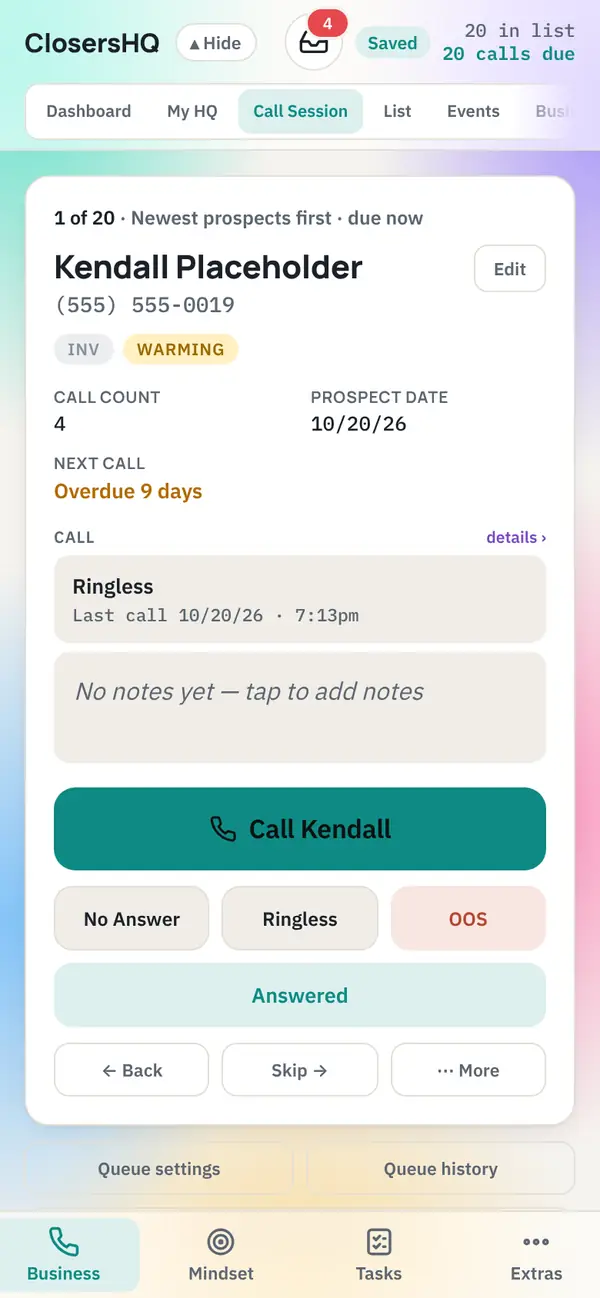
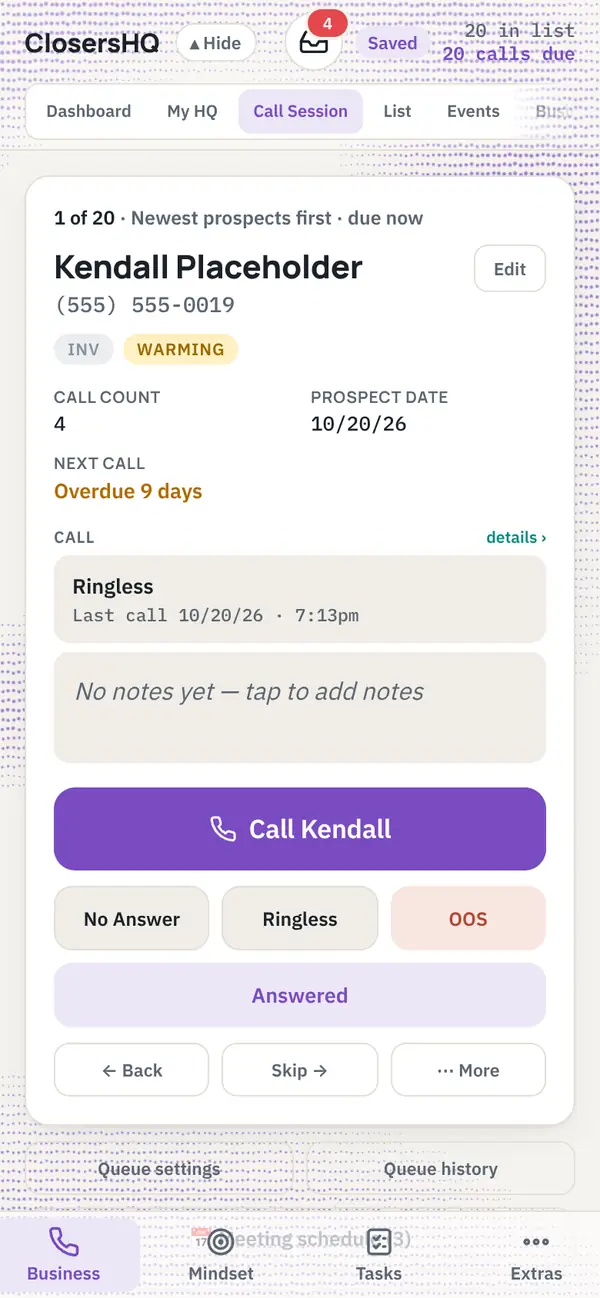
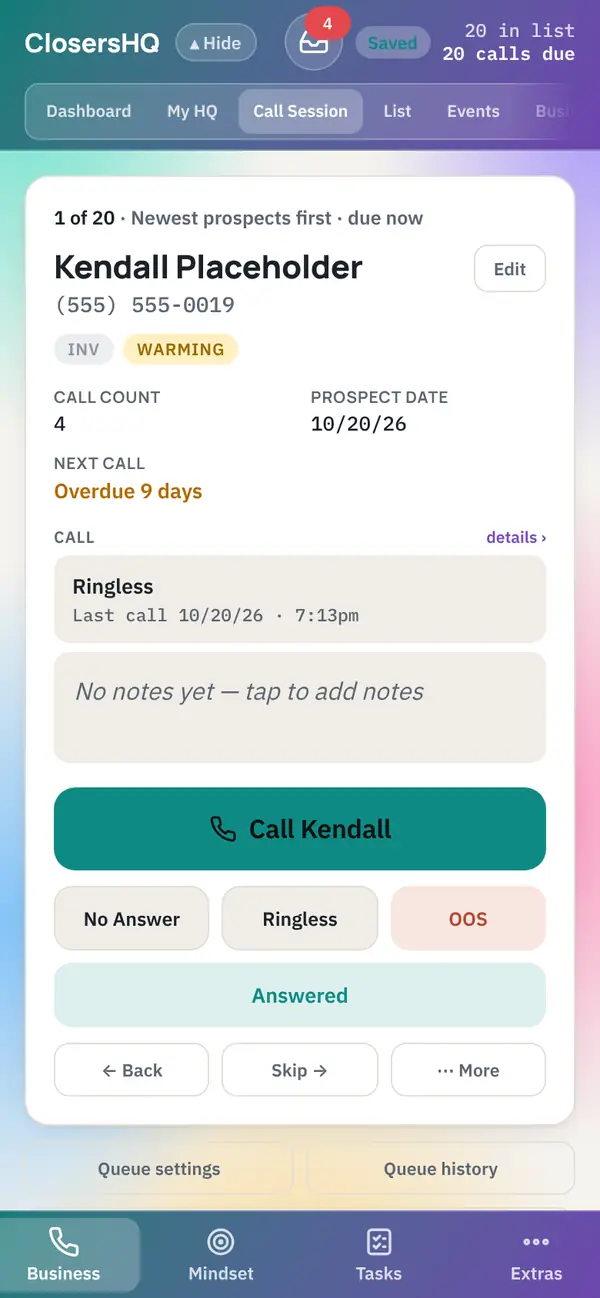
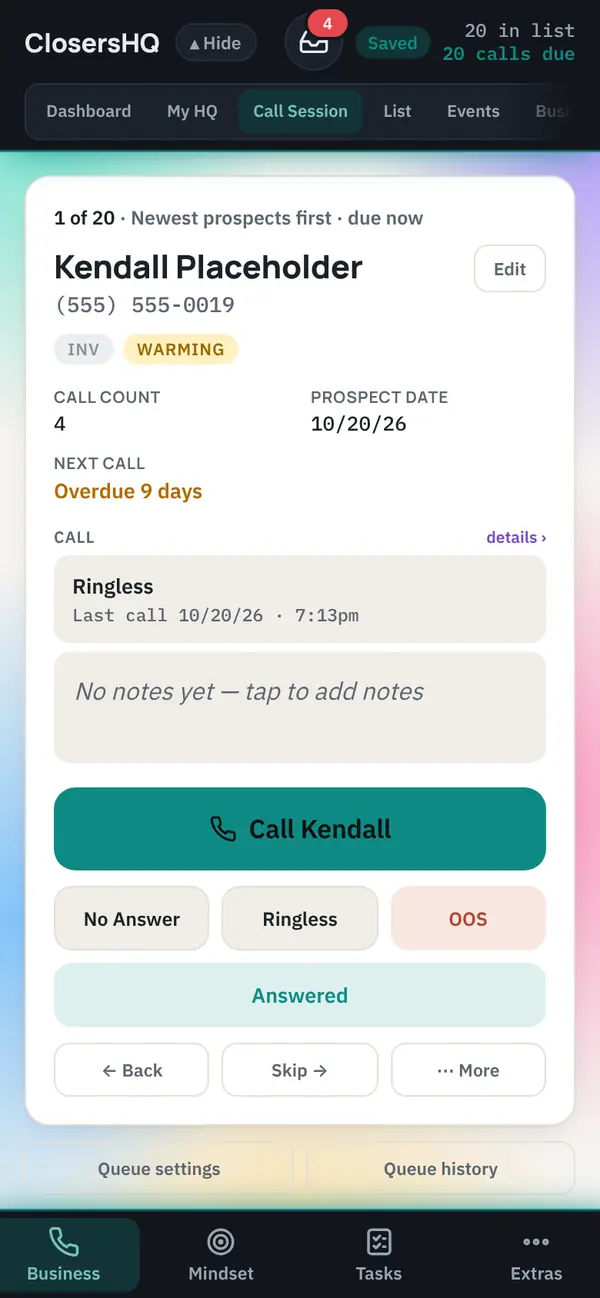
Menu looks

The top bar, the tabs and the bottom menu can have their own style.
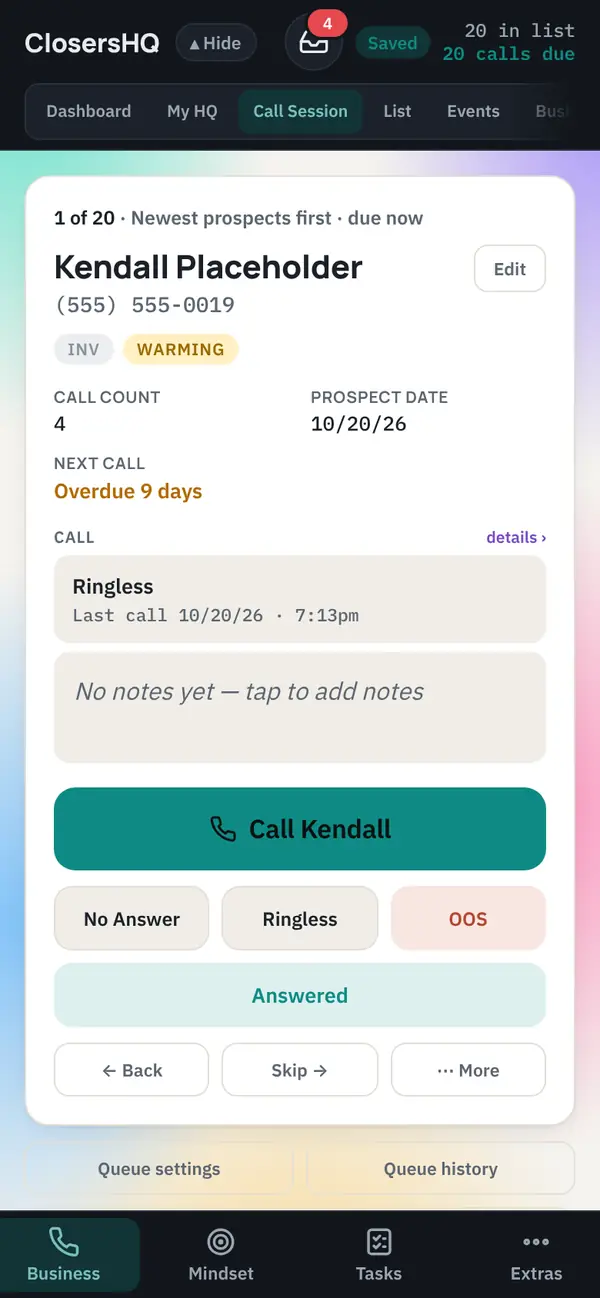
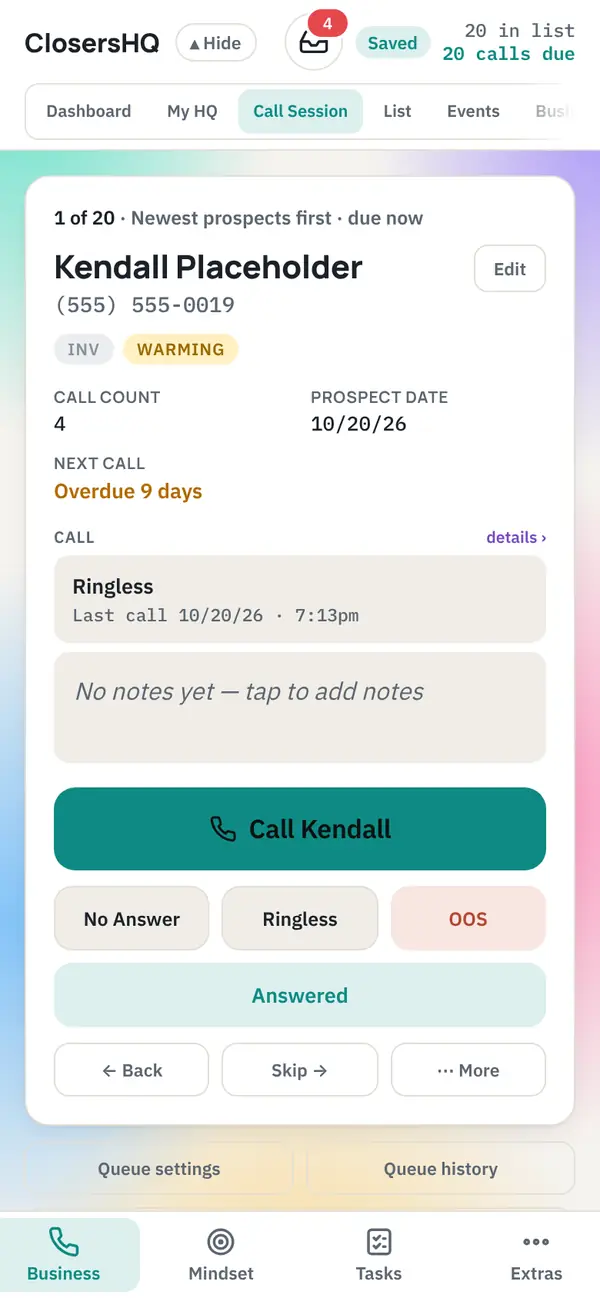
Dark menu look
DarkDark menus on any page
Light menu look
LightLight menus on any page
Primary colour menu look
Primary colourMenus filled with your primary colour
Frosted glass menu look
Frosted glassSee-through and blurred
Clear glass menu look
Clear glassSee-through, nothing blurred
Gradient menu look
GradientYour two colours, blended
Neon menu look
NeonBlack with a glowing edge

Light, dark, or follow your device. Premium designs, live backgrounds and four of the menu looks come with the paid plans; on the Free plan you can try them for 7 days, twice.

On a computer

Every theme, background and menu look carries over to the desktop version.
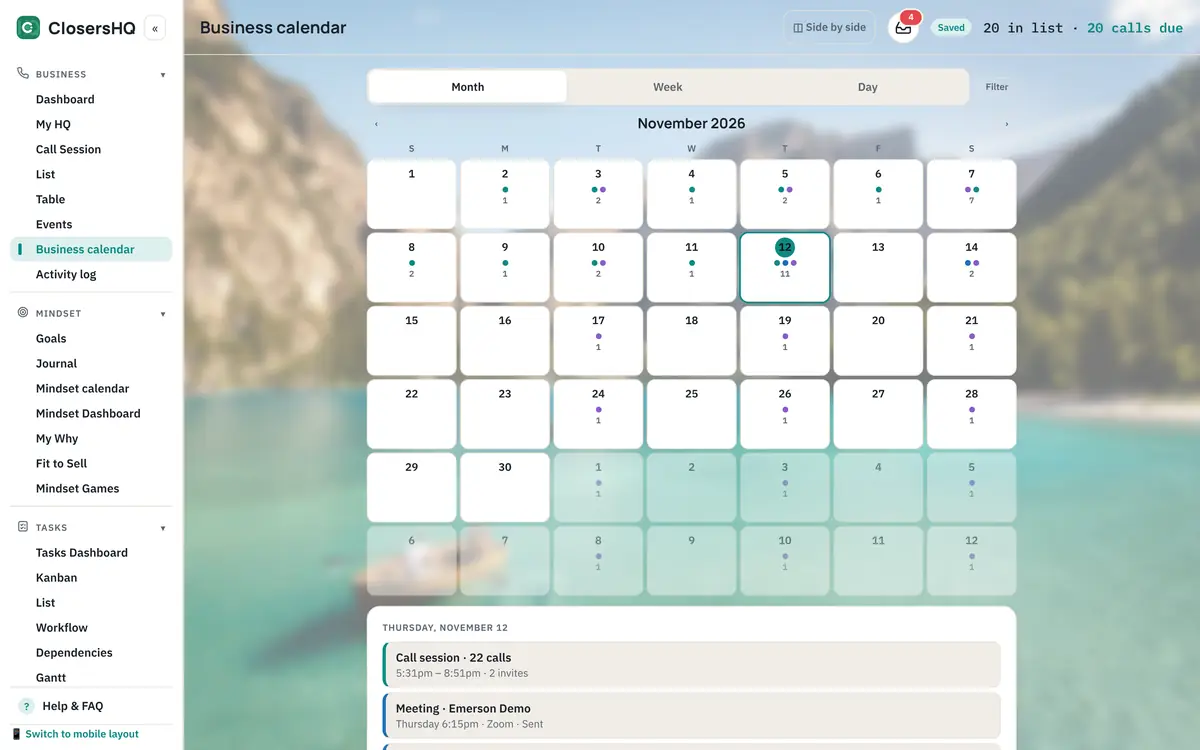
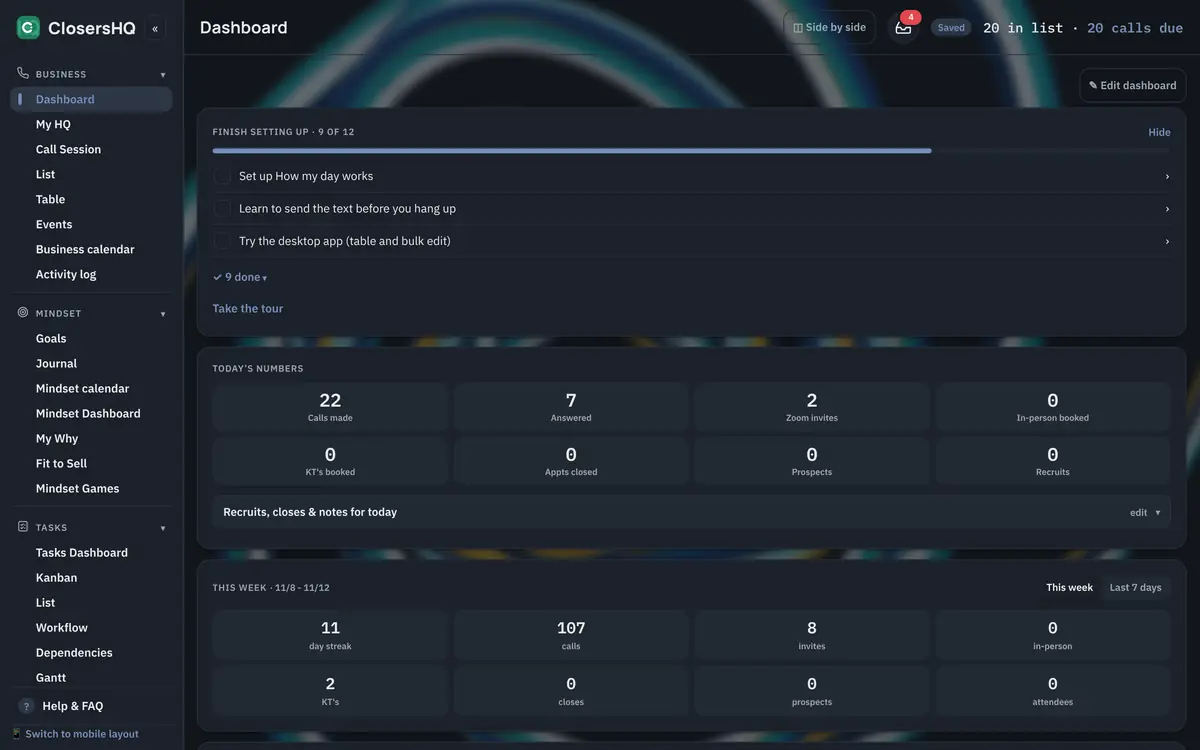
Alpine Lake on a computer: A nature photo behind the Business calendar
Alpine LakeA nature photo behind the Business calendar
Ocean Pendulum, dark on a computer: A painted theme behind the Business Dashboard in dark mode
Ocean Pendulum, darkA painted theme behind the Business Dashboard in dark mode
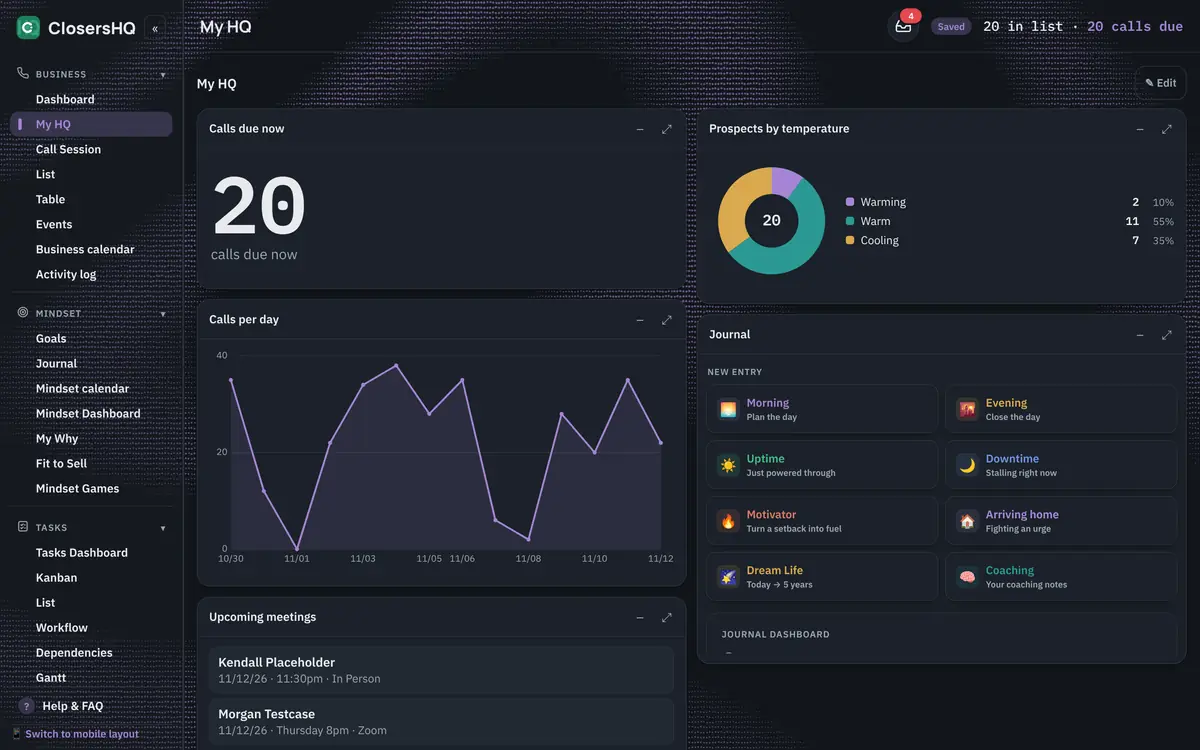
Fluid, dark, Clear glass menu on a computer: An interactive background behind My HQ, showing through the menu
Fluid, dark, Clear glass menuAn interactive background behind My HQ, showing through the menu
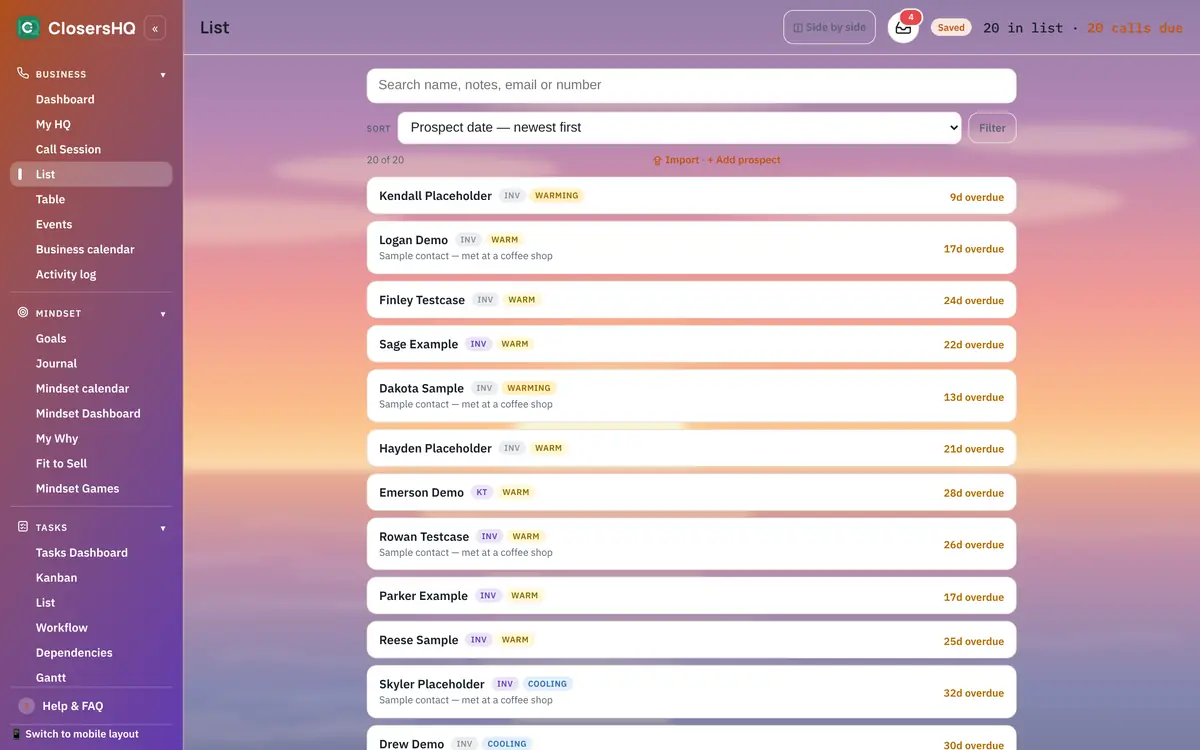
Sunset Horizon, Gradient menu on a computer: A drawn theme behind the List
Sunset Horizon, Gradient menuA drawn theme behind the List
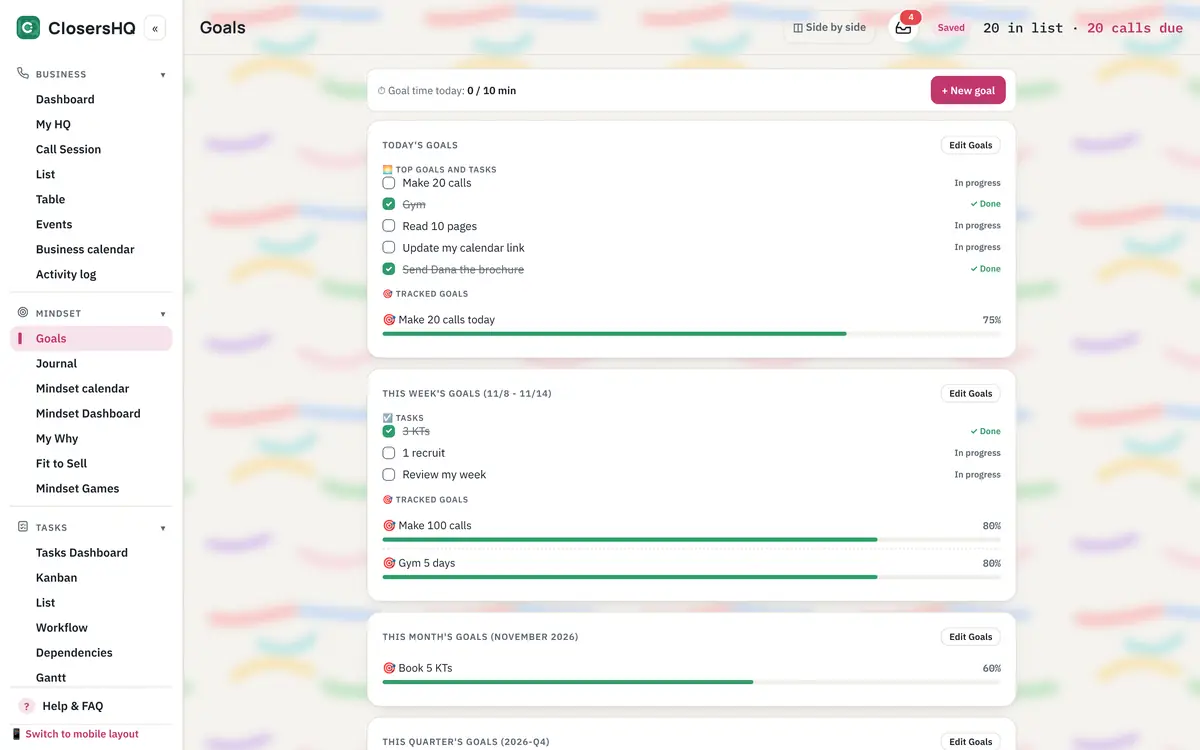
Brush Strokes on a computer: A repeating pattern behind Goals
Brush StrokesA repeating pattern behind Goals
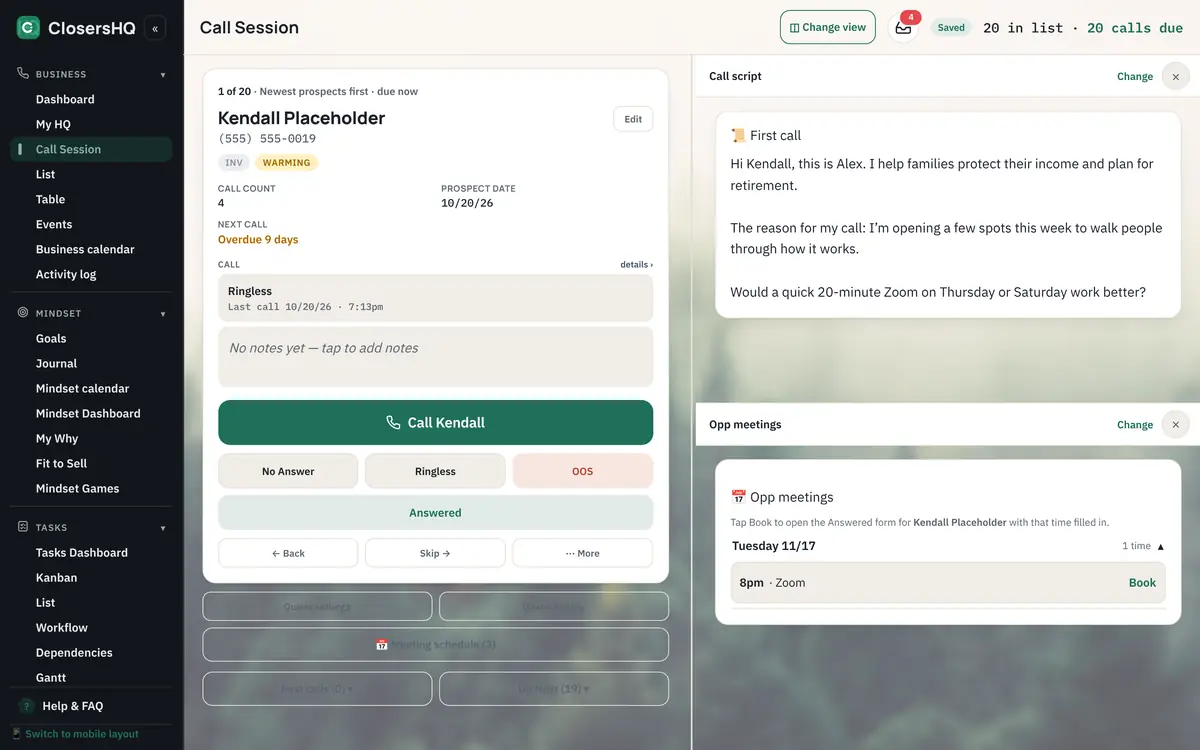
Misty Forest, Dark menu on a computer: A nature photo behind Call Session with its script
Misty Forest, Dark menuA nature photo behind Call Session with its script

Every screen, your colours

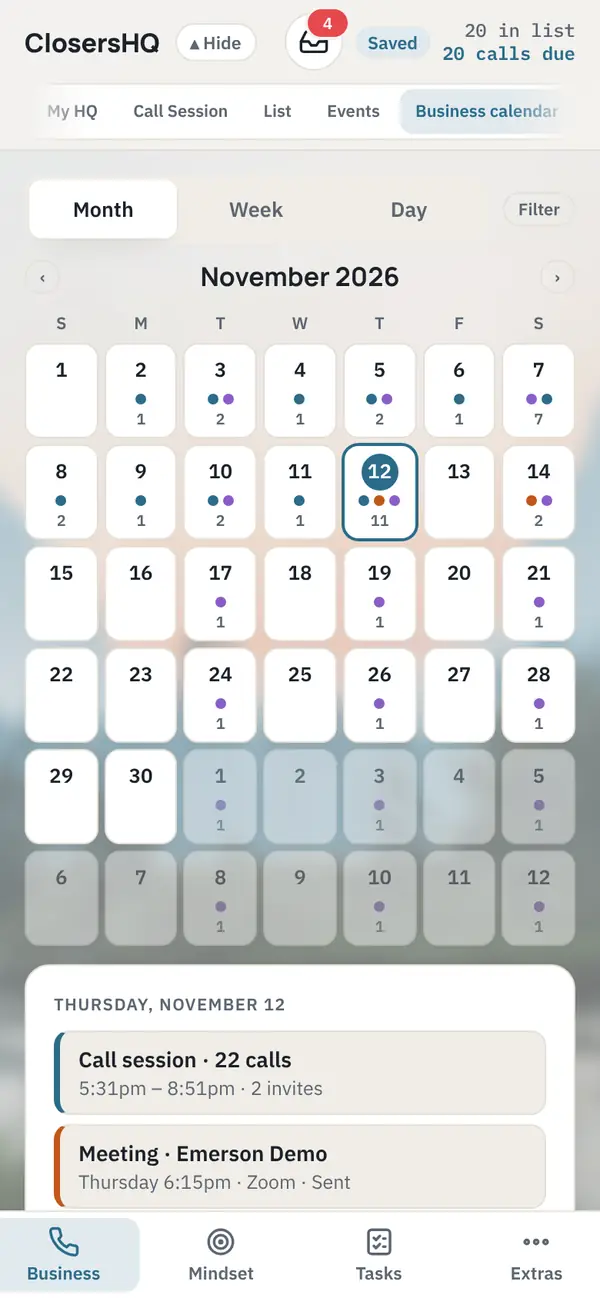
Even your calendar matches.

Whatever you pick carries through the whole app. Here the Business calendar sits on the Ocean pendulum painting in dark mode.
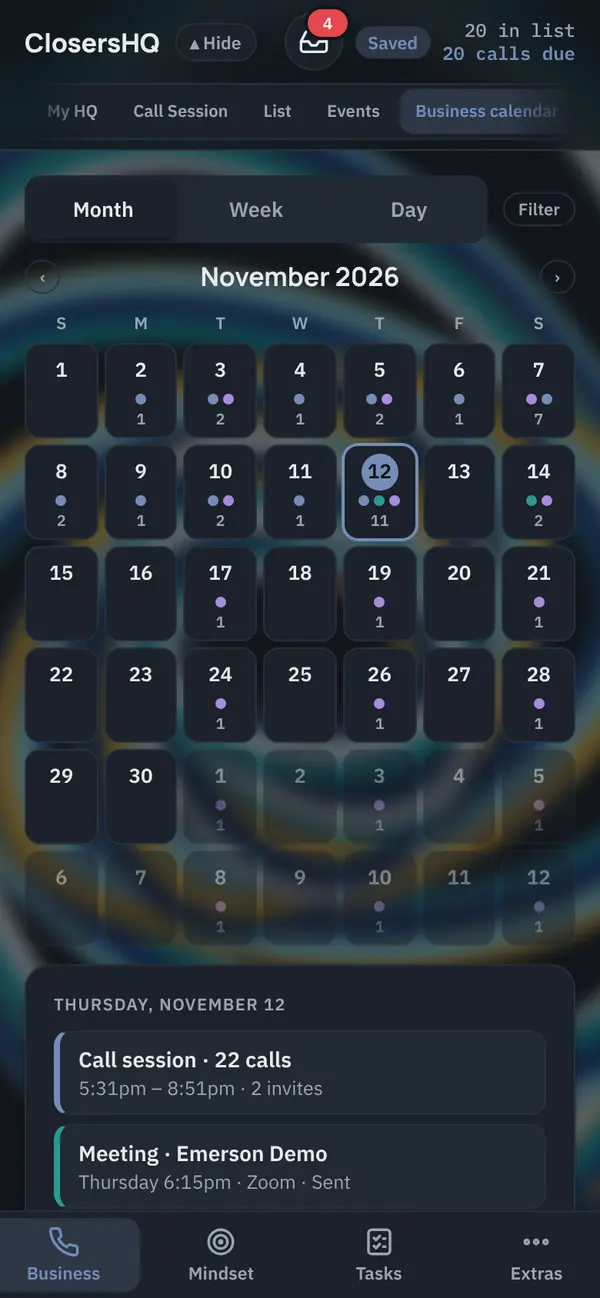
The Business calendar in dark mode on the Ocean pendulum painting

Your dashboard

Build My HQ the way you think.

Counts, line and bar graphs, pie charts, tables, lists, or any tab as a section. Drag them into columns, resize them, save different views.
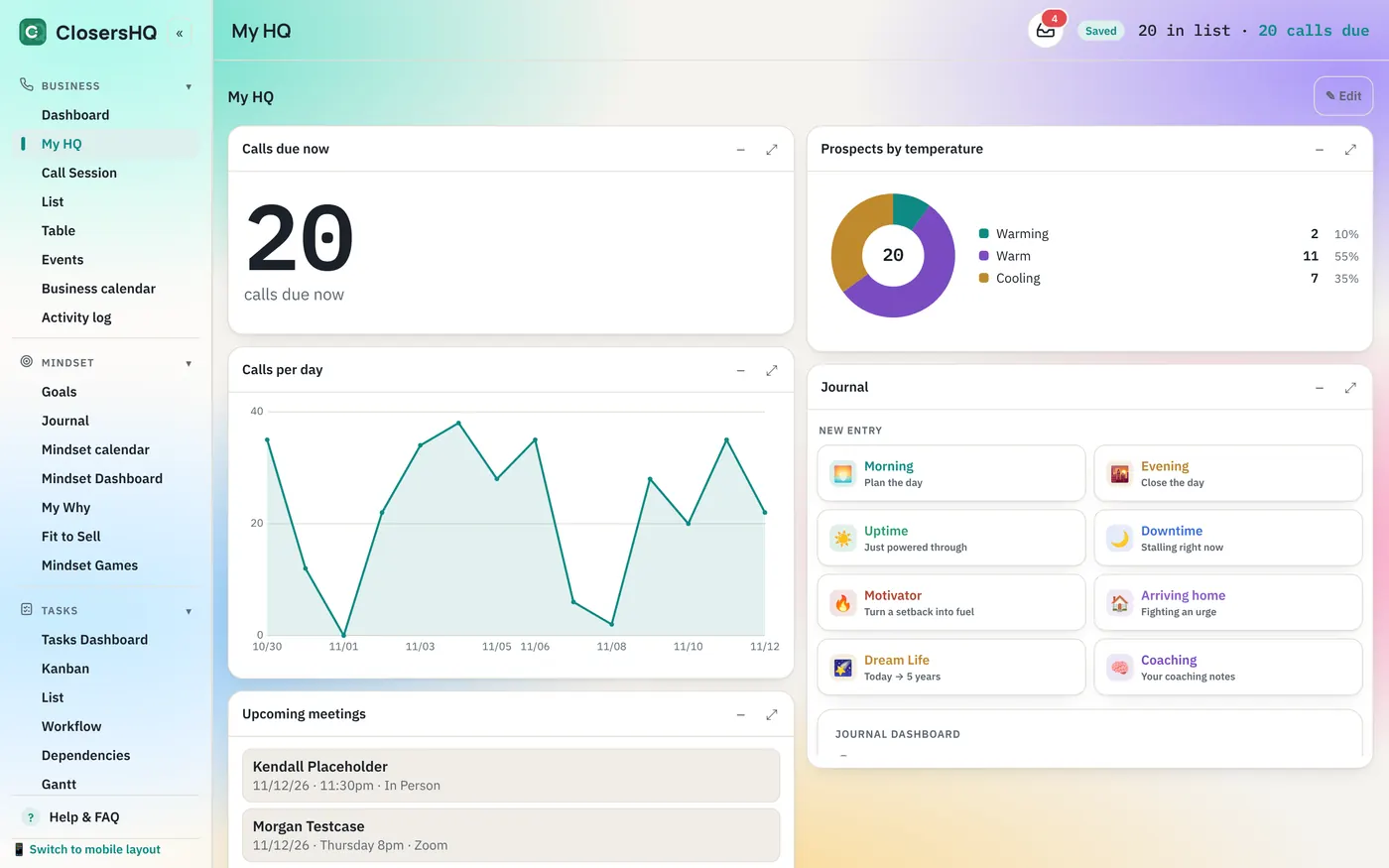
My HQ on a computer: calls due now, calls per day, prospects by temperature and the journal, on the Aurora theme

Any way you hold it

Turn your phone sideways.

The app uses the whole width, with dashboard columns side by side. Swipe left and right to change tabs.
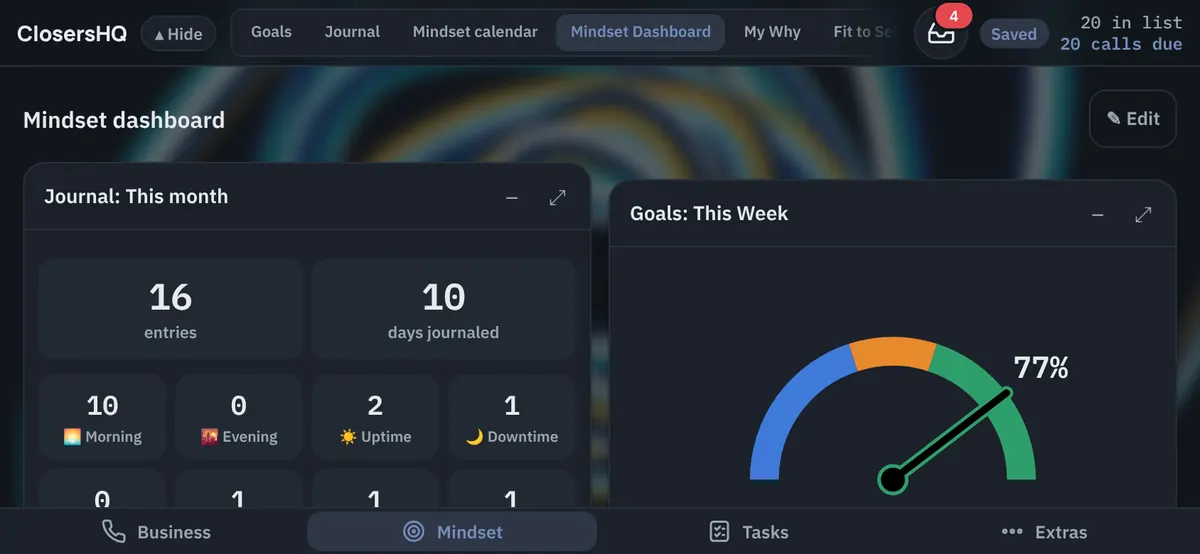
The Mindset Dashboard on a phone held sideways, with two columns of sections

Questions

Does ClosersHQ have a dark mode?

Yes. Choose light, dark, or follow your device. Every theme and background works in both.

Can I use my own photo as the background?

Yes. Upload a picture in Settings and it sits behind the app. For now it is kept on the device you uploaded it on.

Are the themes part of the Free plan?

The colour schemes are. Premium designs, live backgrounds and four of the menu looks come with the paid plans; on the Free plan you can try them for 7 days, twice.

Your next call is waiting.

Enter your email, get a code, and you’re in. New here or coming back, it’s the same button.

Sign in or get started